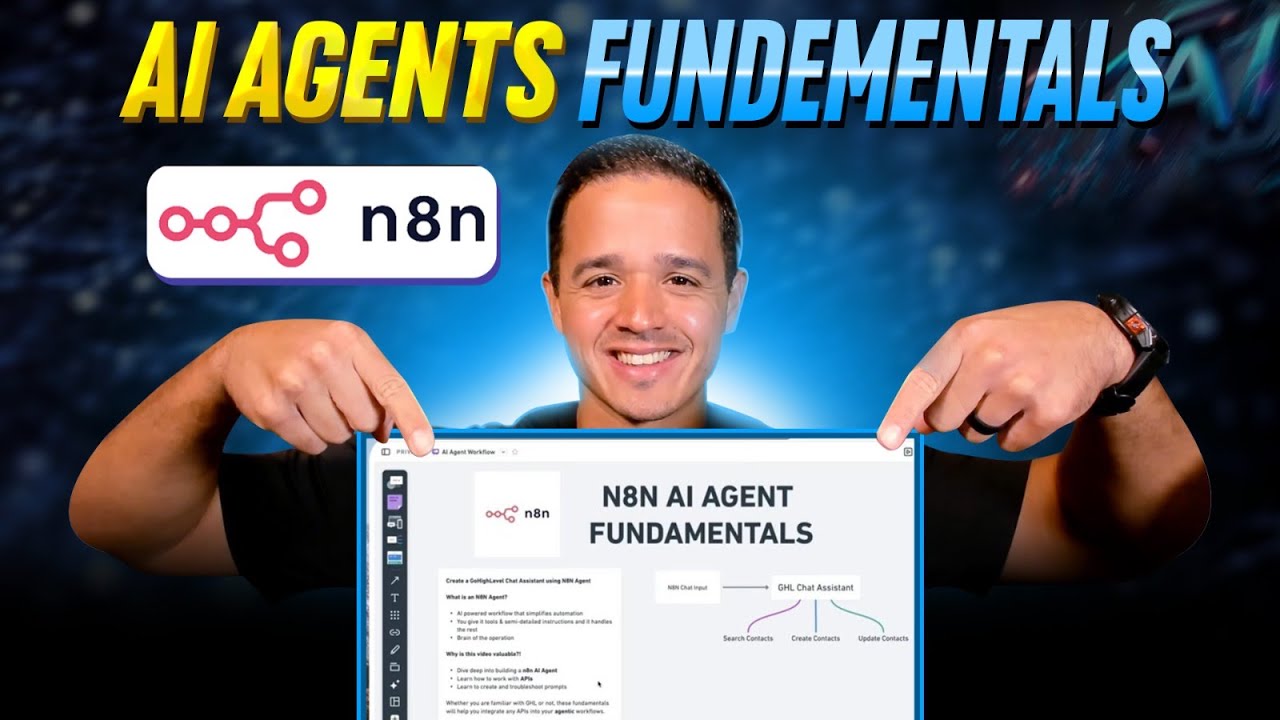
Unlocking the Power of AI: Creating an AI Agent with n8n

In today's fast-paced digital landscape, the ability to effectively manage contacts and automate workflows can dramatically enhance productivity. In this post, we will explore valuable insights from a tutorial by Justin Melendez that focuses on creating an AI agent using n8n for managing contacts within a GoHighLevel CRM. Let’s dive into the key learnings and actionable advice from this insightful guide.
Valuable Insights from the Tutorial
- Purpose of the Tutorial: The primary goal is to demonstrate how to create an AI agent using n8n to manage contacts within a GoHighLevel CRM. However, the lessons learned extend to general AI agent development principles.
- AI Agent Definition: n8n AI agents allow for automation without the burdens of defining every scenario. They utilize large language models (LLMs) to process information based on instructions provided, simplifying workflow design.
- Understanding API Documentation: A vital aspect lies in effectively interpreting API documentation, including request methods (e.g., POST, GET), URLs, required fields, and response structures.
- Troubleshooting Strategies: The tutorial emphasizes strategies for overcoming incomplete or outdated API documentation, advocating for the use of tools like ChatGPT and Google for clarifying ambiguities.
- Iterative Development: Building effective AI agents involves a continuous cycle of creating, testing, and refining tools, leading to more reliable automation through feedback and performance testing.
Insights
- AI Automation Benefits: By leveraging AI agents, users can reduce the complexity of their workflows and implement automation in processes without extensive programming knowledge.
- Emphasis on Experimentation: The tutorial encourages a mindset of experimentation, underscoring the importance of refining prompts and instructions for enhanced AI performance.
- Memory Models in AI: Integrating memory models enables better sequential task management, enhancing user experience by remembering context from prior interactions.
Actionable Advice
- Creating API Keys: When connecting to services like OpenAI, generate and securely store API keys for access to your n8n workflows.
- Crafting the Request: Ensure the formation of the request body aligns with API requirements as outlined in documentation.
- Authentication Procedures: Define clear authorization sequences within your HTTP request settings to enable your AI agent to perform tasks seamlessly.
- Refining System Prompts: Continuously refine the instructions to the AI agent for clarity and task execution, including minimal information requirements in prompts.
Supporting Details
- Many application APIs have nuances that require deeper research to interact effectively.
- Tools like Perplexity and Google can assist in overcoming documentation challenges.
Personal Reflections
Reflecting on these insights, the integration of AI in workflow automation represents a significant opportunity for enhancing business processes. The guide’s emphasis on troubleshooting and iterative testing resonates with my tech project experiences, where adaptability and continuous learning are key to success. The approach of building AI agents can apply to various industries, encouraging innovation and efficiency through automation. This tutorial lays a solid foundation for anyone looking to incorporate AI into their operations, regardless of the tools used.
Watch the Tutorial
For a more in-depth understanding and visual guide, check out the full tutorial on YouTube:
Join the Learning Journey
Stay connected and follow my journey for more insights like these! You can find me on: