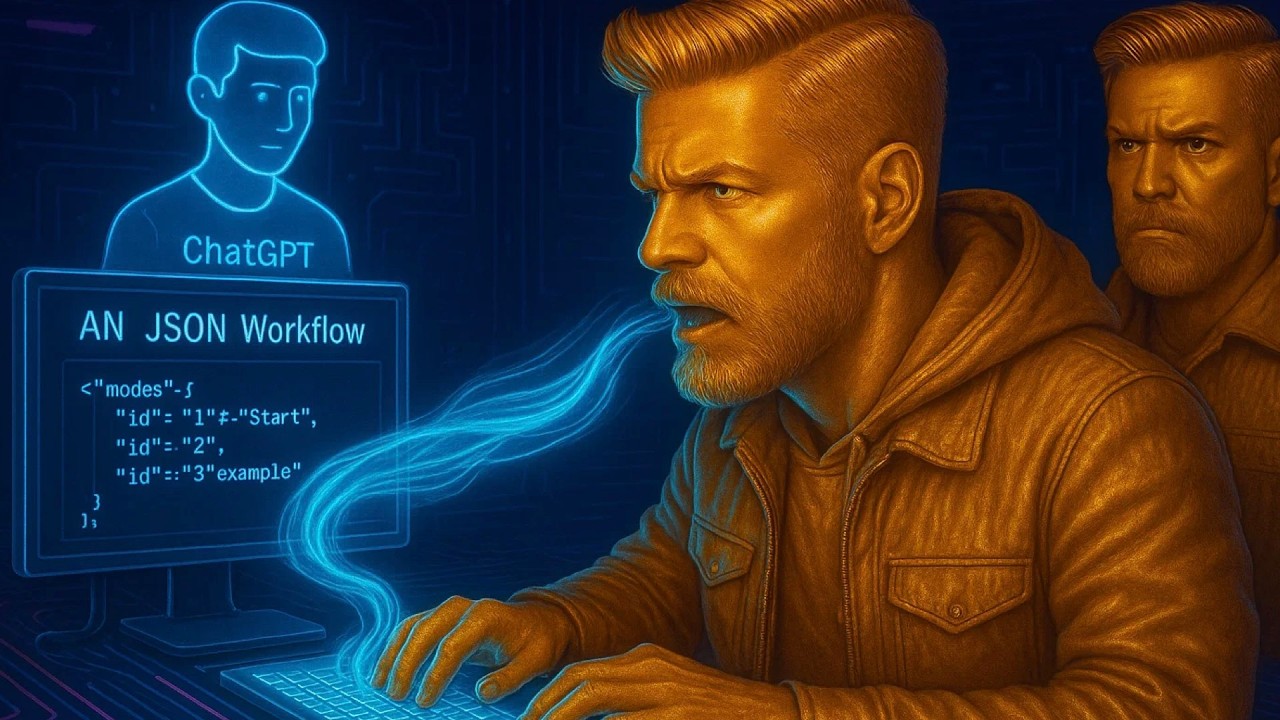
Copy & Paste N8N Workflows in Seconds! (No Coding Needed!)

Are you eager to streamline your workflow creation process without diving into the complexities of coding? In this post, we explore valuable insights derived from the video titled "Copy & Paste N8N Workflows in Seconds! (No Coding Needed!)" by Mikee AI. This video provides innovative methods for creating N8N workflows efficiently, leveraging the power of AI and accessible online resources.
Key Points:
- Utilizing YouTube for Learning N8N: Viewers can learn N8N workflows by watching tutorials and analyzing how creators build their workflows.
- Transcript Copying Method: The speaker suggests copying the video transcript from YouTube and using it as a basis to create N8N workflows, simplifying the process.
- Claude AI vs. ChatGPT: The superiority of Claude AI for generating accurate N8N workflows from transcripts is highlighted.
- Workflow Creation Process: Paste the video transcript into Claude AI, which generates a JSON file for N8N.
- Adjustments Needed: Users may need to refine the generated workflows by adding necessary details.
- Cost and Time Efficiency: This method can save time and money by reducing the need for extensive courses.
Insights:
- This approach democratizes access to workflow creation, allowing users without coding knowledge to build N8N workflows efficiently.
- The comparison between Claude AI and ChatGPT emphasizes the importance of choosing the right AI tool for specific tasks.
- The method fosters a learning environment where users can build on existing workflows indicated in videos.
Actionable Advice:
- How to Use the Method:
- Watch a YouTube video about N8N workflows.
- Open the video description and copy the entire transcript.
- Paste the transcript into Claude AI and prompt it to create an N8N workflow.
- Download the generated JSON file and import it into N8N.
- Next Steps:
- Check and modify the workflow by adding necessary details like APIs.
- Repeat the process using subsequent videos to expand knowledge and capabilities.
Supporting Details:
- The use of transcripts can significantly streamline the learning curve for beginners in N8N.
- A practical demonstration in the video illustrates the ease of adopting this method.
Personal Reflections:
This innovative approach signifies a shift in technical skill acquisition—using existing digital content as a foundation for learning and implementation. The emphasis on Claude AI showcases the trend towards specialized tools tailored to specific tasks, which will influence future workflows and automation efforts.
Conclusion:
Now that you have these insights on creating N8N workflows, it’s time to put them into practice and explore the power of automation at your fingertips.
Join us on our learning journey! Follow us for more tips and insights on social media:
- TikTok
- YouTube
- Email: isaiahdupree@techmestuff.com
- Discord
- Snapchat
- TechMeStuff
For a more comprehensive understanding and visual guide, watch the full tutorial by Mikee AI here: