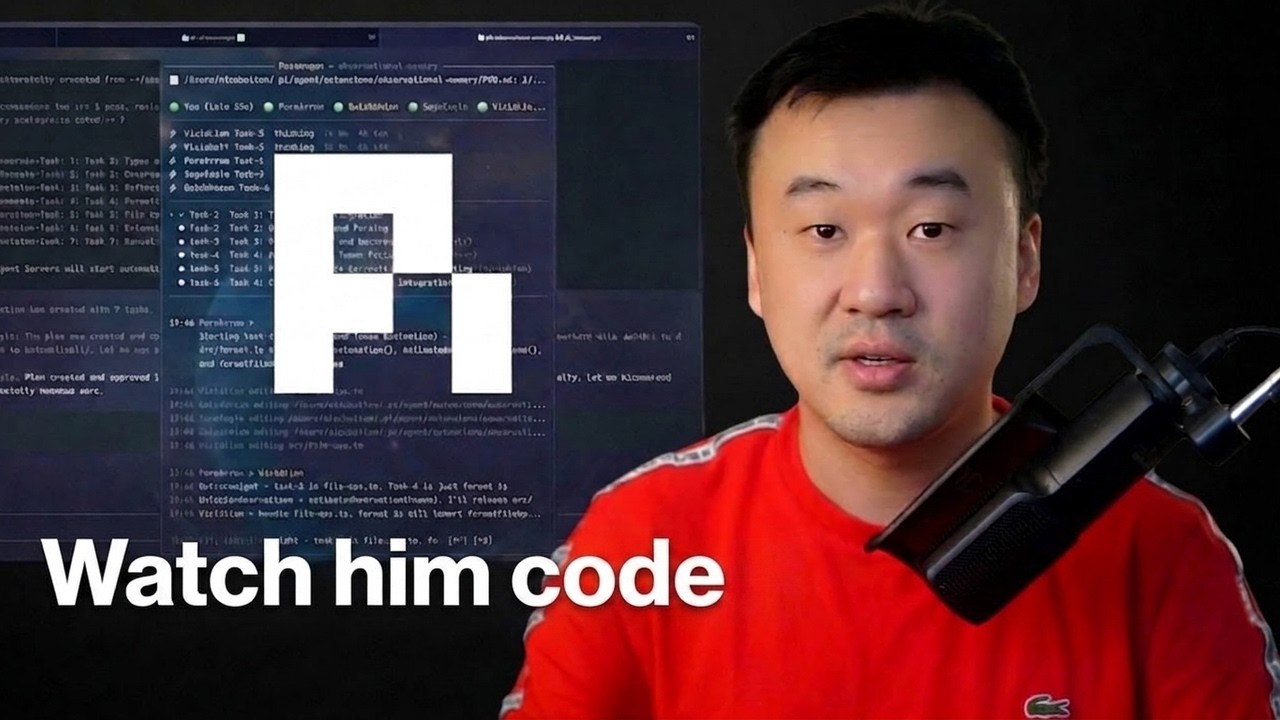
Managing multiple coding environments and tasks can quickly become overwhelming, especially when dealing with several sessions, code reviews, and numerous tools. However, David Ondrej presents a robust setup that significantly streamlines the coding workflow using a unique blend of modern tools and strategies.
TL;DR
This strategy employs efficient session management and AI-driven coding assistance to enhance productivity for developers. By integrating tools like Herder, First Mate, and Code Rabbit, Dupree's approach focuses on minimizing distractions and leveraging AI for greater efficiency in coding and code review processes.
The Problem
Today's developer faces a plethora of challenges, including managing numerous coding sessions, ensuring code quality, and maintaining productivity amidst these complexities. The traditional methods of juggling tabs, switching between different tools, and attempting to manually code can lead to fragmentation and burnout. Dupree's approach addresses these issues, particularly the struggle to maintain context across multiple agent sessions and the burden of reviewing massive volumes of AI-generated code.
The Strategy
The strategy revolves around a structured framework where modern tools and AI capabilities are fully integrated into the developer’s workflow. By utilizing session management tools like Herder and First Mate, alongside advanced coding assistance from GitHub Copilot and Code Rabbit, Dupree ensures that developers can focus on creative problem-solving rather than getting bogged down in logistics or mundane coding tasks. The emphasis on a customized terminal setup further caters to individual preferences, enhancing personal efficiency.
How It Works (Step by Step)
1. Efficient Terminal Session Management
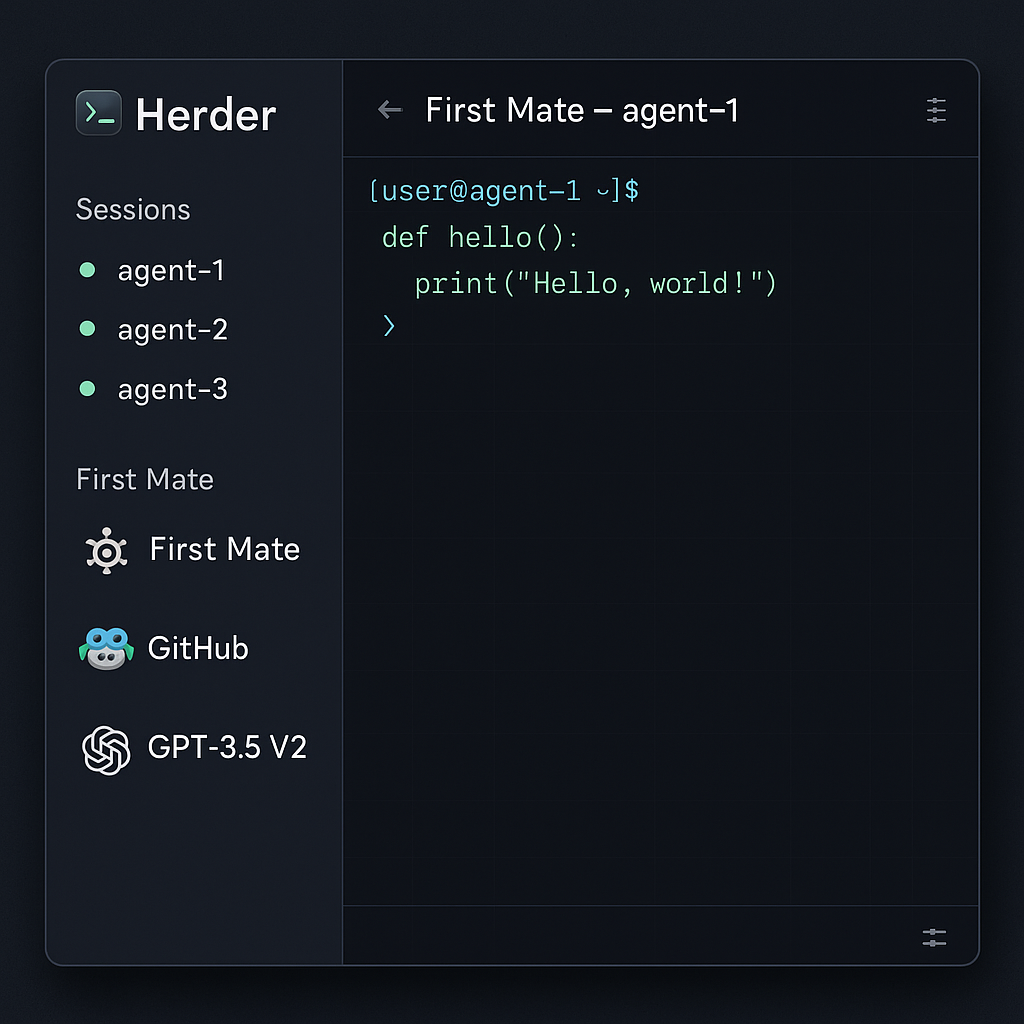
Herder replaces traditional terminal multiplexers like T-Max with a more modern approach, allowing users to manage multiple agent sessions effortlessly. It provides the flexibility of connecting from various devices, including mobile.
2. Parallel Agent Management
First Mate is a custom tool designed to manage several parallel agent sessions without overwhelming the user. This enables developers to streamline their workload.
3. Integrating AI Tools for Coding
By incorporating AI coding tools like GitHub Copilot, developers can receive real-time coding suggestions, greatly reducing manual coding efforts. This not only speeds up the development process but also alleviates the monotony associated with coding.
4. Task Management with GPT-3.5 V2
The deployment of GPT-3.5 V2 enhances task management by enabling agents to handle complex coding tasks and return comprehensive results. This development shifts the focus from manual inputs to more streamlined interactions.
5. Comprehensive Code Reviews with Code Rabbit
Code Rabbit provides extensive code review capabilities by connecting to repositories and executing over 40 linters and security checks. This results in clear, actionable feedback that addresses potential issues before deployment.
6. Flexible Integration with Development Environments
Code Rabbit meets developers in their preferred environments, whether during a pull request review, within an Integrated Development Environment (IDE), or popular communication tools like Slack and Discord.
Examples from the Source
I typically prefer the terminal for development because of the muscle memory I've built up over two decades of coding. I find it keeps me in the flow by allowing me to control everything with keyboard shortcuts.
Code Rabbit reviews over three million unique pull requests weekly, making it the most installed AI app on GitHub and GitLab.
Code Rabbit connects to your repository, understands your entire codebase, pulls in external context like linked issues and documentation, and runs over 40 different linters and security scanners.
Common Pitfalls
While adopting this setup can overhaul a developer's workflow, some common mistakes can hinder its effectiveness:
- Neglecting the learning curve associated with using terminal commands, which can temporarily reduce productivity.
- Failing to customize tools to fit personal workflows, leading to potential inefficiencies.
- Over-reliance on AI tools without understanding the underlying code can result in poor coding practices down the line.
- Not integrating session management tools properly, which can lead to chaos instead of organization.
Action Checklist
- Set up Herder for modern terminal session management to streamline your workflow.
- Implement First Mate to manage multiple parallel agent sessions effectively.
- Incorporate GitHub Copilot into your coding routine to enhance productivity.
- Use GPT-3.5 V2 for improved task handling by your agents.
- Employ Code Rabbit for efficient and thorough code reviews, ensuring quality before deployment.
- Customize your terminal setup to improve comfort and efficiency based on your preferences.
- Prepare for a temporary productivity dip as you familiarize yourself with terminal commands.
- Make use of keyboard shortcuts to maintain your workflow and minimize disruptions.
Watch the Full Video
For a detailed look at David Ondrej's setup and processes, watch the full video here: L8 Principal's Agentic Engineering Setup.
Want more like this?
The full archive of strategy + AI articles lives at strategythread.app, curated weekly, no fluff.