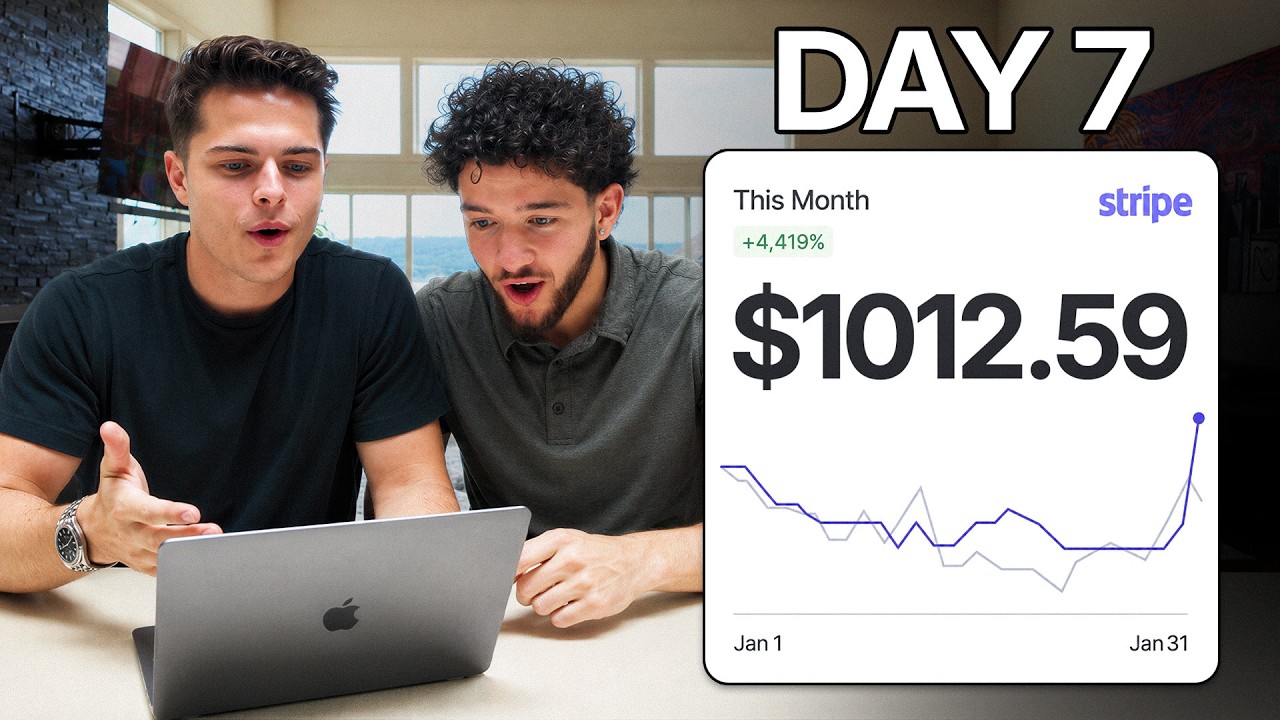
Can you really start an AI agency from scratch and make your first $1,000 in just a week? In his latest video, Carson Reed takes on the challenge of teaching his friend Connor to do just that. With a clear roadmap, he dives into the world of AI-driven services for local businesses, promising valuable lessons for anyone interested in starting a similar venture.
TL;DR
Carson Reed guides his friend Connor through launching an AI agency focusing on services such as ad management and lead handling for local businesses. By strategically choosing a lucrative niche and implementing AI technologies, they aim to generate $1,000 in sales within a week.
The Problem
Many local businesses struggle with attracting customers in an effective way due to limited resources, time, or marketing expertise. Traditional advertising methods can be expensive and inefficient, leaving businesses in industries like real estate and home services in need of high-value, cost-efficient solutions. These businesses require innovative approaches to generate leads, book appointments quickly, and capitalize on new customer interest, areas where many current strategies fall short.
The Strategy
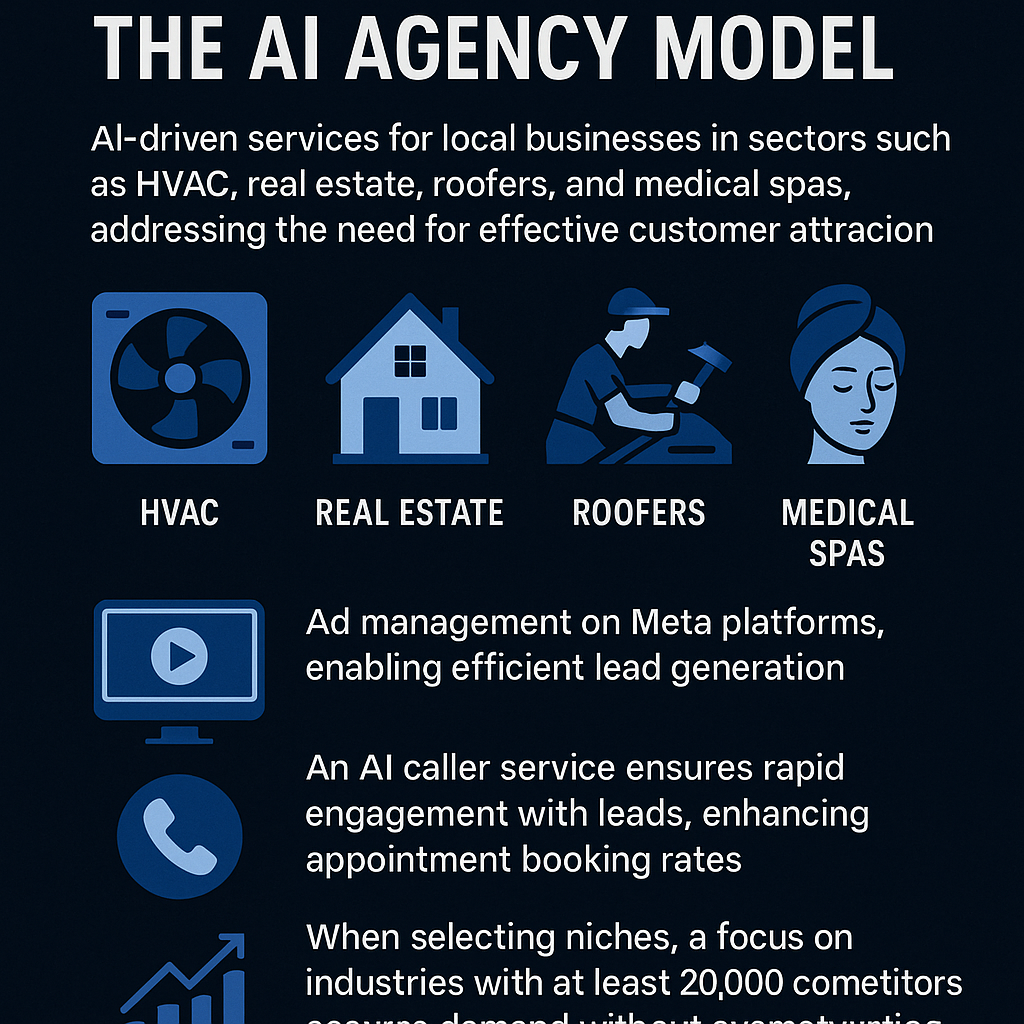
The strategy centers around the AI agency model, which targets local businesses and addresses their advertising and customer engagement challenges. By offering AI-driven services like ad creation on platforms such as Facebook and Instagram and implementing an AI calling service for lead follow-up, the approach ensures that businesses can attract and convert potential customers effectively. This model stands on concrete principles: focusing on niche selection, understanding each industry’s sales cycle, and finalizing service offers before diving into operations.
How It Works (Step by Step)
Step 1: Choose a Profitable Niche
Identify local industries with at least 20,000 competitors to ensure sufficient market demand. Relevant sectors to consider include:
- Real estate agents
- Medical clinics (e.g., weight loss, stem cell clinics)
- Home services (e.g., roofing, fencing, remodeling)
Step 2: Offer High-Value Services
Design service offers that solve pressing problems for businesses. Key services to provide include:
- AI-driven ad management on Meta for generating leads.
- An AI caller service to engage leads within five minutes of generation.
Step 3: Finalize Your Offer
Define your service offerings and pricing before launching. This clarity helps in effectively communicating your value to potential clients.
Step 4: Set Up Business Operations
Establish your business name and create advertisements as soon as possible, ideally within the first two days, so you can begin generating sales calls by day three.
Step 5: Access Educational Resources
Utilize available course materials on niche selection and agency setup to equip yourself with the necessary knowledge to succeed.
Examples from the Source
This is my friend Connor, and he has zero experience with online business. Over the next 7 days, I’m going to teach him how to start his own AI business from scratch. I’ve done over a million dollars in personal sales, and my students have achieved over a combined 5 million. My goal is simple: have him make his first $1,000 in sales by the end of the week...
An AI agency, in simple terms, involves choosing a local business in a specific industry. It can be HVAC companies, real estate agents, roofers, med spas, any sector. We’ll offer them two key services that provide significant value. The first is running ads for them on Meta, meaning Facebook and Instagram. We’ll use AI to create these ads, making it fast and easy to generate interested customers or leads...
We should look for businesses that are profitable and have at least 20,000 competitors in the niche. I’ll give you access to my free course, where you’ll go through videos on choosing your niche. Afterward, you’ll present your top three to five industries, and I’ll help you choose one...
Connor presented his top options: law firms, roofers, HVAC, real estate agents, and restaurants. I pointed out that roofers are too seasonal, HVAC has high client acquisition costs, and restaurants have low margins. This left law firms and realtors as the best choices...
Now, we need to finalize our offer and pricing today. Tomorrow, we’ll set up everything from the business name to ads, so we can start getting sales calls by day three. Let’s make this happen. What offers did you come up with after watching the videos? I’d like to review them and share proven offers that work well...
Common Pitfalls
- Choosing a niche that is too competitive or lacks demand, which can hinder business growth.
- Failing to finalize service offerings and pricing before launching, leading to confusion and decreased client trust.
- Neglecting the importance of responding to leads promptly, as delays can reduce booking rates significantly.
- Underestimating the setup timeline, resulting in missed opportunities to begin generating sales.
Action Checklist
- Identify a niche with at least 20,000 competitors.
- Develop two key service offerings focusing on AI-driven ad management and lead handling.
- Finalize pricing strategies and service details before operations start.
- Set up your business name and initial ads within the first two days.
- Access and review course materials on agency setup and niche selection.
- Prepare to engage leads effectively with AI tools.
- Track and analyze performance metrics to optimize service delivery.
- Iterate on service offerings based on client feedback and market trends.
Watch the Full Video
For a detailed walkthrough of the strategies discussed and real-time implementation, watch the full video here.
Want more like this?
The full archive of strategy + AI articles lives at strategythread.app, curated weekly, no fluff.