
Valuable Insights from "How to INSTANTLY Build AI Agents in N8N Using Claude"
In today’s fast-paced digital landscape, automating workflows can save time and enhance productivity. The video by Nolan Harper on how to leverage Claude, an advanced language model, for building workflows in n8n is a game-changer for anyone looking to optimize their automation processes. Let’s dive into the key insights and actionable advice presented in the tutorial.
Key Points:
- Automation Workflow Creation: The video explores using Claude to automate the creation of workflows in n8n, significantly reducing the time and manual effort typically required.
- Claude’s Capabilities: The latest Claude version, particularly Opus, enhances coding capabilities, aiding in reasoning and conceptualizing automation tasks.
- Complexity of Design: Building automations may be straightforward, but conceptualizing how to bridge existing systems with desired functionalities remains a challenge.
Insights:
- Enhancing Productivity: AI models like Claude can drastically cut down workflow design time, allowing users to focus on high-level strategy.
- Importance of Context: Providing Claude with comprehensive context and structured prompts is crucial for effective output quality.
- Limitations of AI: Although advanced, AI cannot fully replace human expertise; it excels as a tool for initial drafts and framework building.
Actionable Advice:
- Set Up Claude: Create a project in Claude and upload files detailing the platform's functions and capabilities.
- Use Structured Prompts: Consult Claude for guidance on crafting effective prompts to enhance output quality.
- Iterative Testing: After building workflows with Claude, perform real-time testing and adjustments to ensure alignment with user expectations.
- Integrate and Customize: Adapt and customize workflows based on specific needs by modifying prompts or node configurations.
Supporting Details:
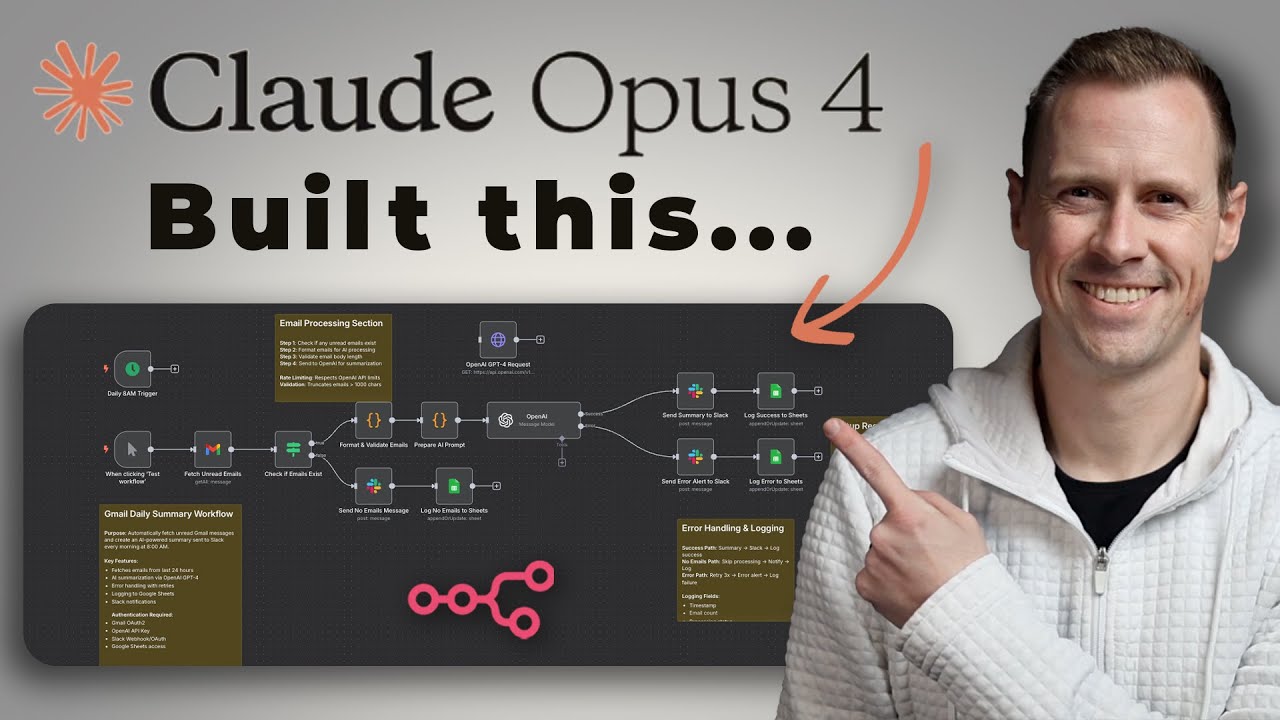
- Examples of Automation: The speaker demonstrates a Gmail summarization workflow that fetches unread emails and processes them for Slack summaries.
- Testing Process: Real-time adjustments after initial testing emphasize debugging and refining as part of the workflow creation process.
- Resources: Viewers are encouraged to explore the Skool community for templates and guides to enhance their automation skills.
Personal Reflections:
Utilizing Claude for creating workflows enhances efficiency by providing a customization-friendly starting point. This highlights technology's role in augmenting human capabilities, reminding us that while AI can aid greatly, human oversight and creative input are invaluable. The insights from this video inspire a strategic approach to integrating AI in workflow development, fostering collaboration between humans and technology to solve complex problems.
Watch the Full Tutorial
Check out the full tutorial by Nolan Harper on YouTube for a more in-depth understanding:
Join Our Learning Journey!
If you enjoyed these insights and want to stay connected, follow me on social media: