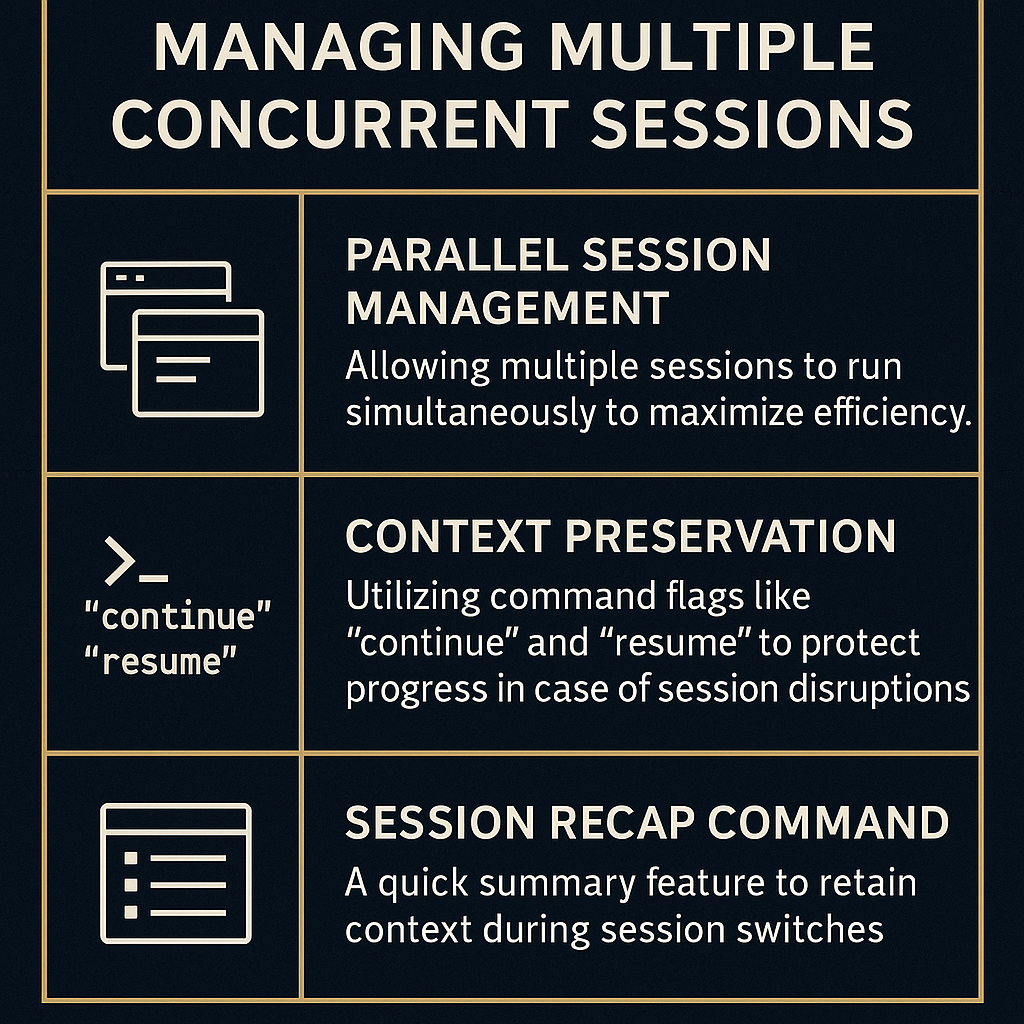
In an increasingly complex landscape of multitasking and project management, traditional single-session workflows can hinder productivity. How do we maximize efficiency while managing multiple tasks simultaneously? The answer lies in implementing a robust parallel session management strategy, which not only optimizes time usage but also preserves context across multiple sessions. This approach, as outlined by AI LABS in his insightful video, enables teams to work without the bottlenecks and confusion often associated with juggling multiple responsibilities.
TL;DR
The video by AI LABS showcases a parallel session management strategy that enhances productivity by running multiple sessions simultaneously. Key features include context preservation, session recap capabilities, effective file ownership, and streamlined planning to ensure consistent workflow and minimize conflicts.
The Problem
Managing multiple tasks in a work environment can often lead to confusion and inefficiency. When teams rely on a single session or output from one agent, they may face delays and a waste of resources while waiting for responses. Moreover, without the proper tools, sessions can interfere with one another, leading to lost context and potential errors, especially if multiple sessions access or modify the same files. As Dupree points out, the deeper issues arise when settings are not shared across sessions, which can result in outdated or incorrect information being utilized. To overcome these challenges, a structured approach to session management is essential.
The Strategy
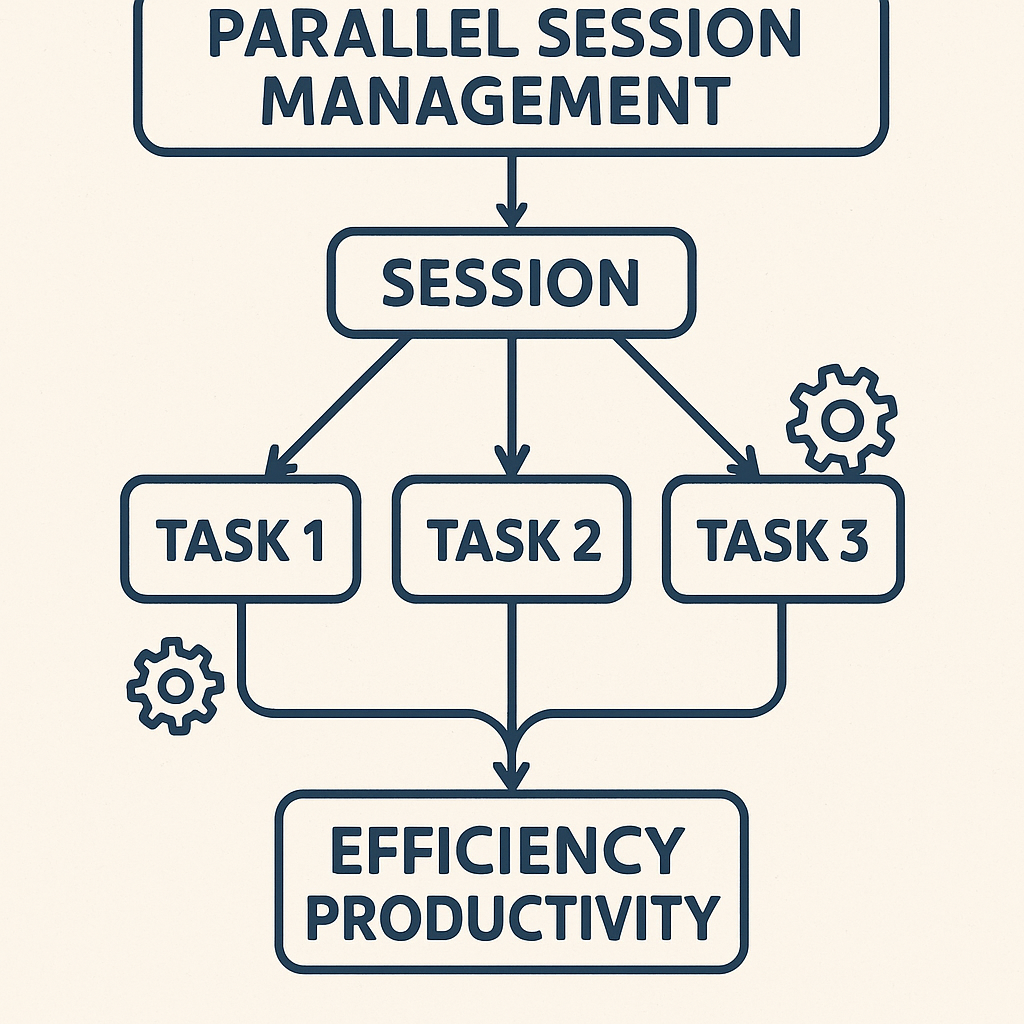
AI LABS introduces the concept of parallel session management, where multiple sessions work concurrently without interfering with each other's progress. This strategy allows teams to maximize their time and resources while ensuring clarity and organization across sessions. By implementing command flags for context preservation, recap sessions, and file ownership, teams can efficiently transition between different tasks while maintaining focus on their objectives. The overall goal is to create a fluid workflow that accommodates multiple tasks without sacrificing productivity.
How It Works (Step by Step)
1. Parallel Session Management
Start by running multiple sessions concurrently. The basic idea is that while one session is processing a task, another can be attended to, ensuring no time goes to waste.
2. Context Preservation with Command Flags
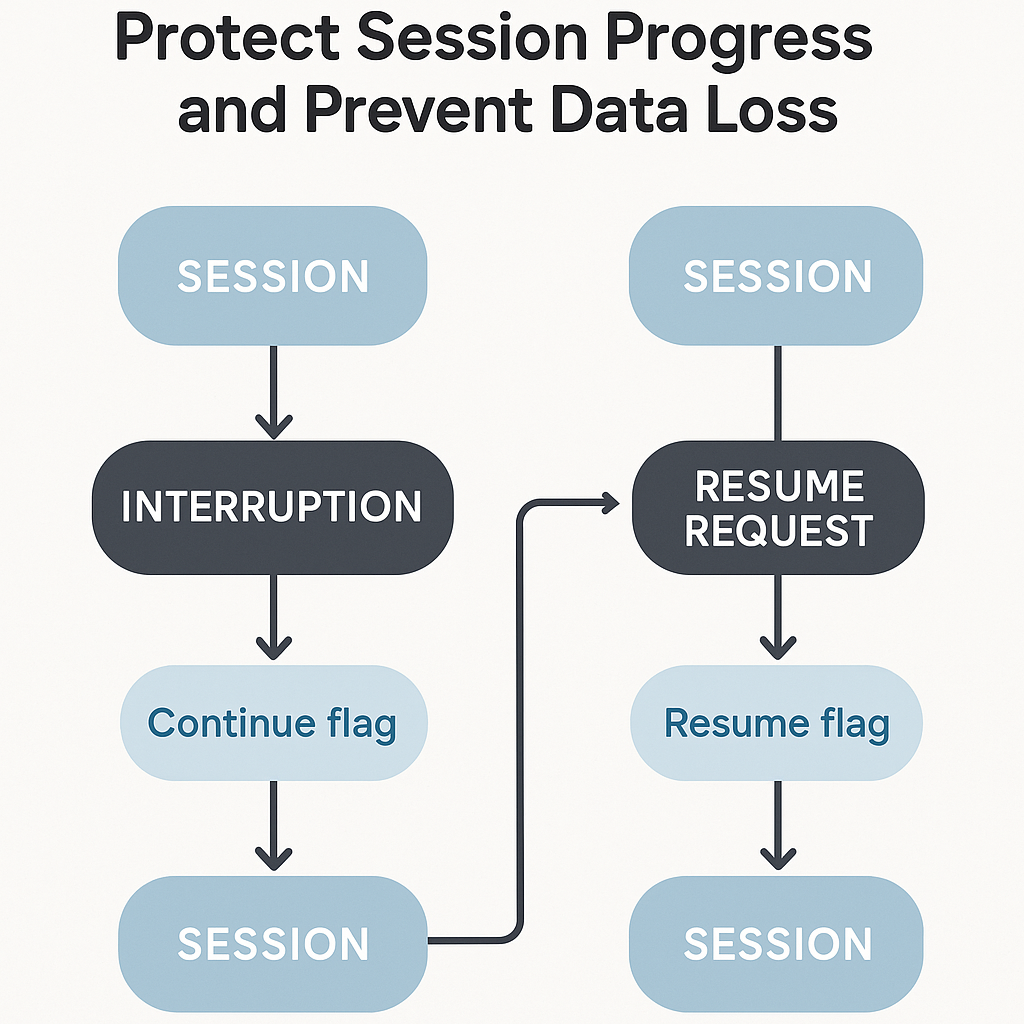
Utilize the continue and resume flags. The continue flag resumes the last session, while the resume flag allows you to return to a specific session, thus protecting against unexpected session closures.
3. Session Recap Command
Employ the recap command to generate a summary of any session. Use this command whenever you switch tasks to refresh your memory about past outputs and maintain context.
4. Export Command for Context Transfer
To carry workflow context over to a new session, use the export command to save a session chat as a text or markdown file.
5. File Ownership Assignment
Assign file ownership to a single session to prevent concurrent modifications from other sessions. This maintains file integrity and reduces conflicts.
6. Planning Phase in Claude Code's Plan Mode
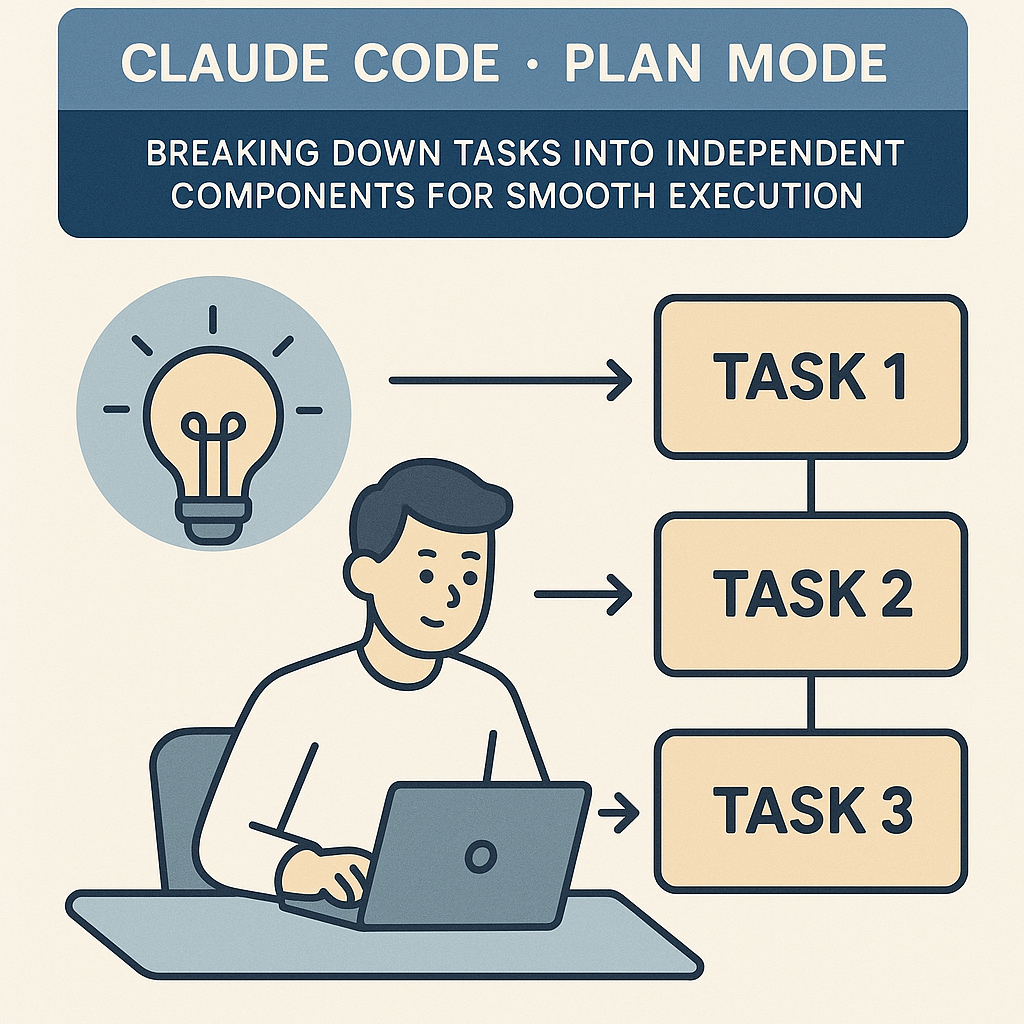
Initiate projects with a planning phase that breaks down tasks into independent components. This facilitates smoother parallel execution without conflicts.
7. Handover Document Creation
Generate clean handover documents using the handoff skill, which allows for precise task transitions between sessions and ensures all relevant files are referenced.
8. Interactive Claude Agent Dashboard
Utilize the Claude agent dashboard to monitor all running sessions, check statuses, and assess progress at a glance.
9. Background Session Command
Initiate or keep established sessions in the background using the background command, which further streamlines operation in a busy workflow environment.
10. Session Sharing Without Conflict Resolution
Design sessions to avoid sharing live context but allow access to global settings at the start, promoting independent session functionality and preventing errors.
Examples from the Source
“We never run Claude code in just one session; our whole team operates that way. While one session is busy, we're reviewing what another has just completed and sending it the next task.”
This approach strikes at the heart of maximizing productivity. Dupree emphasizes the necessity of these strategies, particularly when stating, “when multiple sessions are working on the same shared file, it's crucial to prevent collisions.” By assigning file ownership to a single session, teams can effectively mitigate the risk of overwrites.
Diving deeper, Dupree details the importance of a planning phase in Claude Code's plan mode, stating, “If building something from scratch with independent components, we begin with a planning phase.” This lays the groundwork for successful parallel execution, enabling each task to advance without conflict.
“To get back up to speed in a session, run the recap command in your terminal for a quick summary of its previous work.”
He further illustrates how essential commands boost productivity, emphasizing, “We use them in our video animations, continuing sessions to make adjustments, and recap to remember the context.”
Common Pitfalls
Even with a solid framework in place, pitfalls remain. Common mistakes include:
- Not fully utilizing command flags, leading to lost context when sessions are re-engaged.
- Failing to assign file ownership, resulting in conflicts when multiple sessions attempt to edit the same document.
- Overlooking the importance of planning phases, which can cause additional headaches when multiple independent tasks interact.
- Neglecting to monitor session statuses, leading to oversight on progress and unresolved issues.
Action Checklist
- Implement a parallel session management system with multiple agents running simultaneously.
- Utilize command flags (continue and resume) to maintain session context effectively.
- Employ the recap command to stay updated on each session’s progress.
- Use the export command for capturing session outputs in text or markdown format.
- Assign file ownership judiciously to prevent editing conflicts in shared files.
- Begin each project with a planning phase to define independent tasks clearly.
- Create handover documents for smooth task transitions using the handoff skill.
- Monitor sessions using the Claude agent dashboard for a holistic view of your ongoing projects.
Watch the Full Video
For a deeper understanding of these strategies, watch the full video by AI LABS here.
Want more like this?
The full archive of strategy + AI articles lives at strategythread.app, curated weekly, no fluff.