
Using AI models effectively can feel overwhelming, especially as new versions emerge with advanced features and capabilities. But what if I told you that the key to maximizing these tools lies not in piling on new setups, but simplifying and streamlining your existing ones? In a recent discussion, Boris Cherny, creator of Claude Code, outlined powerful strategies for getting the most out of AI agents, particularly as they evolve. Let’s dive into these insights and transform your approach to using AI.
TL;DR
Boris Cherny emphasizes the necessity of clearing out outdated setups with each new model release to improve performance. By evaluating what truly matters when configuring AI systems like Claude, users can streamline their workflows and enhance efficiency.
The Problem
As new AI models continue to emerge, many users still cling to the configurations and methods used with older versions. This leads to "carrying dead weight", unnecessary setups from previous iterations, which can hamper the performance of advanced models. Users may struggle with decreased effectiveness without realizing that outdated practices are the root of their problems, not the capabilities of the new models themselves.
The Strategy
Boris proposes a straightforward yet highly effective strategy: simplify your AI setups each time a new model is released. The core of this strategy includes regularly deleting or eliminating around 80% of existing prompts, utilizing safe modes to assess performance, and ensuring that each component of the setup serves a clear purpose.
This approach helps users keep only what’s essential, enhances adaptability with each new model update, and removes ambiguity in project deliverables, ultimately leading to better project management and task clarity.
How It Works (Step by Step)
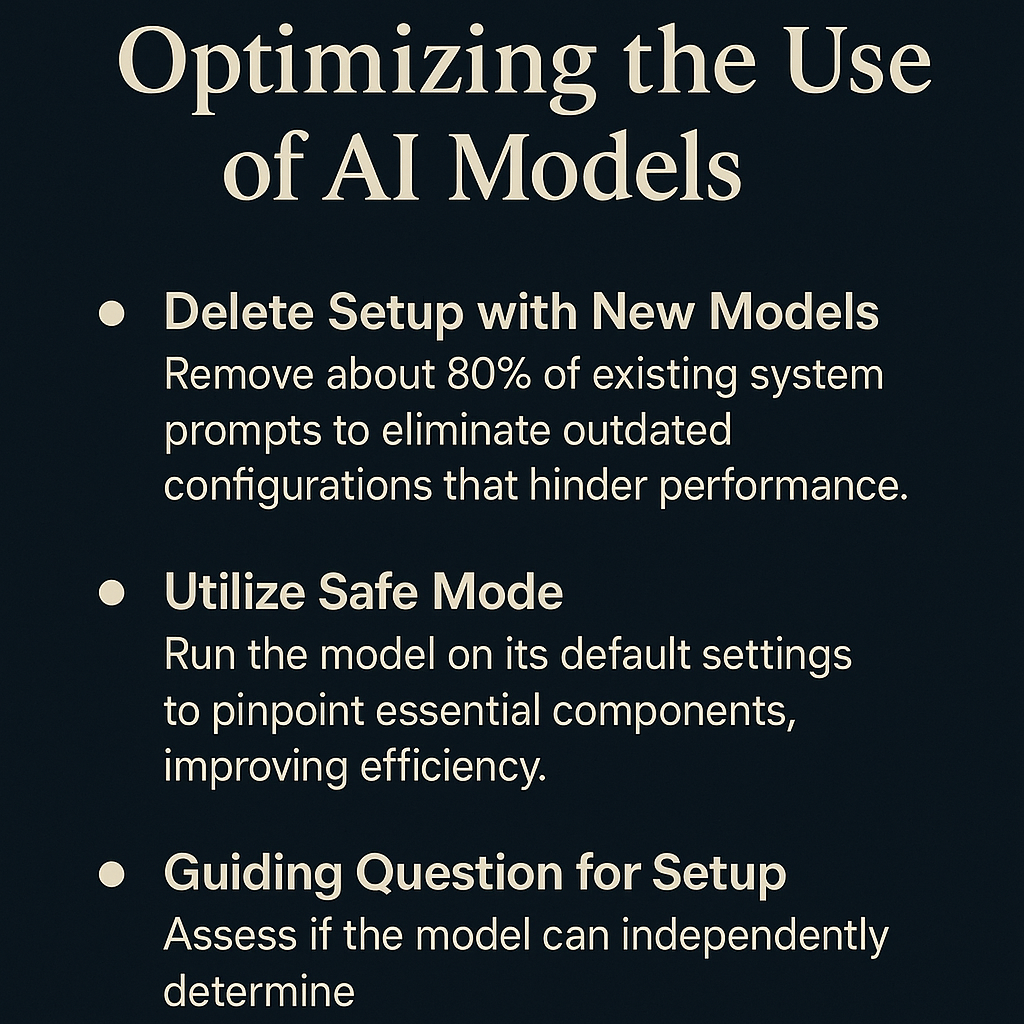
1. Delete Your Setup with New Models
When a new model is released, such as Opus 5, delete a significant portion of your existing system prompt. This clears out outdated configurations that often limit the model's performance.
2. Utilize Safe Mode
Enable a safe mode that runs the model on the default system prompt only. By comparing its performance in this clean state against your traditional setups, identify which elements are truly necessary.
3. Ask Key Questions
Determine whether Claude could independently handle the task. If yes, eliminate that setup component. This step prevents redundancy and keeps workflows efficient.
4. Regularly Compare with Default Settings
Consistently evaluate the model’s performance in its clean state versus traditional setups. This ongoing process helps identify which adjustments are needed to optimize functionality.
5. Establish Evaluation Checks
Create specific criteria for timely project completion. Understand what a completed task looks like before starting, addressing any ambiguity around deliverables.
6. Monitor External Skills Carefully
Be cautious when incorporating external skills from platforms like GitHub. While the chances of prompt injections are less likely, maintaining control over model integrity remains critical.
7. Adapt Methods with Each Model Release
With each new model, adapt your approach to ensure that you remain compatible with the latest features and operations.
8. Streamline Custom Components
Audit your custom setups and retain only the essential components. This helps in shedding unnecessary configurations that slow down the system.
9. Update Workflow Practices Regularly
As AI models evolve, regularly incorporate new practices into your workflow. Staying current will maximize the benefits of new functionalities.
Examples from the Source
Boris emphasizes the importance of adapting your methods with each new model release. He stated, “When Opus 5 was released, Anthropic deleted around 80% of Claude Code's system prompt,” highlighting a substantial overhaul to improve performance.
He also mentioned the idea of trying a "safe mode", where disabling all custom setups aids in determining the model's efficiency in a standard environment. He noted, “If Claude could independently figure it out, then the corresponding setup component should be deleted.”
Moreover, he stresses the importance of creating definitive completion criteria for tasks, such as making certain a webpage is responsive or invalid inputs are handled correctly.
Common Pitfalls
Here are some common mistakes that users often make when integrating new AI models:
- Failing to Clear Legacy Setups: Users carry over old configurations that are no longer relevant.
- Ignoring Safe Mode: Neglecting to test models in their default prompt leads to overlooking potential improvements.
- Not Evaluating Task Clarity: Without set criteria, users can end up unsure about project completion.
- Aggressively Adding Components: Users may add new setups rather than simplifying existing ones, leading to bloated configurations.
- Underestimating External Risks: Bypassing caution when integrating skills can jeopardize performance through hidden risks.
Action Checklist
- Assess the current setups and determine what can be deleted or simplified.
- Engage safe mode when testing new models to focus on default performance.
- Regularly ask if the model can independently complete tasks without additional inputs.
- Create clear criteria for project completion before beginning work.
- Evaluate frequently against default settings to identify necessary adjustments.
- Exercise caution when integrating external skills and monitor their impacts carefully.
- Regularly update your workflow with new AI practices as models evolve.
- Streamline custom components to eliminate inefficiencies.
Watch the Full Video
For more in-depth insights, check out the full video by AI LABS: Claude Code Creator's Greatest Tip For Using AI Agents.
Want more like this?
The full archive of strategy + AI articles lives at strategythread.app, curated weekly, no fluff.