Insights from 100 Hours of Vibe Coding

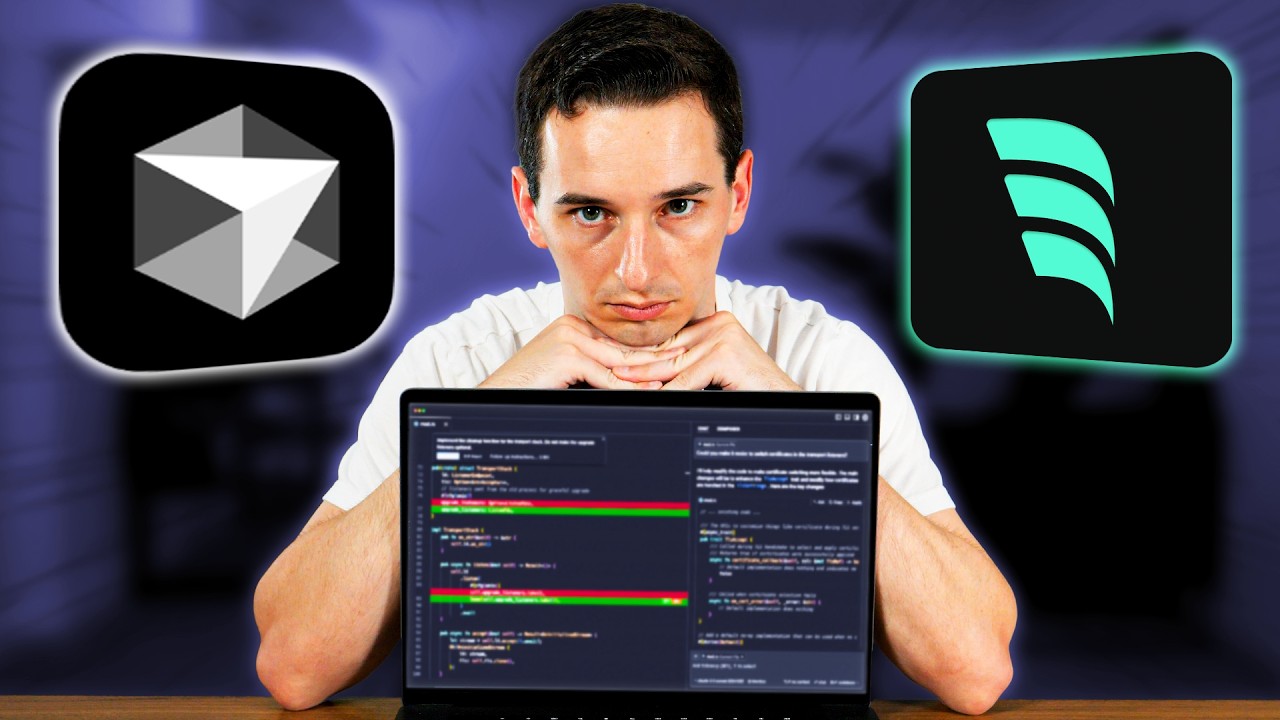
In a recent video titled “I Tried Vibe Coding For 100 Hours”, Conner Ardman shares his extensive experience and insights gathered from 100 hours of vibe coding, including valuable tips and reflections on the use of AI tools in software development.
Key Points You'll Want to Know!
- Vibe Coding Experience: The speaker dedicated approximately 100 hours to vibe coding, with around 20 hours spent streaming. This journey has been both enjoyable and educational, involving a mixture of on-stream and off-stream activities.
- AI Tools for Development:
- Vzero: An AI tool that creates UI elements. It offers visually appealing designs but lacks code quality, requiring developers to manually clean up dependencies.
- Cursor and Windsurf: Both are VS Code alternatives with integrated AI tools, found to be largely equivalent, differing mainly in user experience and cost.
- ChatGPT: Utilized for generating database SQL code, ChatGPT provides clarity in schema definitions and reduces instances of AI hallucination.
- Practical Projects:
- Console Beacon: A creative project aimed at sending text alerts from console logs, though integrating text messaging proved challenging.
- AP Instant: A mock API generator that showcases the role of AI in rapidly prototyping and deploying applications.
- Efficiency vs. Bugs: AI tools can boost productivity by accelerating coding tasks, but they may also introduce bugs, resulting in lengthy debugging sessions.
Insights to Keep in Mind
- AI as a Tool, Not a Replacement: The speaker refutes the idea that AI will replace software engineers, emphasizing the need for a solid understanding of coding to utilize AI tools effectively.
- Code Quality Concerns: Dependence on AI-generated code may lead to poor quality, necessitating thorough review and refinement to avoid bugs and vulnerabilities.
- Debugging Challenges: AI can sometimes misinterpret commands or alter essential code, underscoring the importance of manual oversight in coding practices.
Actionable Advice
- Review AI Outputs: Thoroughly validate the code generated by AI tools; acceptance without scrutiny can lead to errors.
- Blend AI with Traditional Coding: Use AI to handle mundane tasks, freeing you to focus on critical problem-solving and more complex coding challenges.
- Building from Foundations: Ensure you have solid foundational skills in software engineering, as simply using AI can result in challenges without a strong knowledge base.
- Experiment with Tools: Try different AI-enhanced coding environments like Cursor and Windsurf to find the one that best supports your workflow.
Supporting Details
- Despite expectations, Vzero's code quality did not meet standards, requiring repeated cleanup.
- The ability to quickly develop applications that integrate multiple APIs highlights the potential of AI tools in real-world scenarios.
Personal Reflections
The speaker expresses a blend of excitement and caution regarding AI tools in software development. They recognize the time saved through AI assistance but also stress the critical need for vigilance against its potential pitfalls. Ultimately, AI should be seen as a complement to traditional coding skills rather than a replacement, advocating for a balanced approach in utilizing such technologies.
If you found these insights valuable, be sure to check out the full video for an in-depth understanding of Conner's experience!
Join the Learning Journey!
Follow me on social media to stay updated with the latest insights and be part of our community: