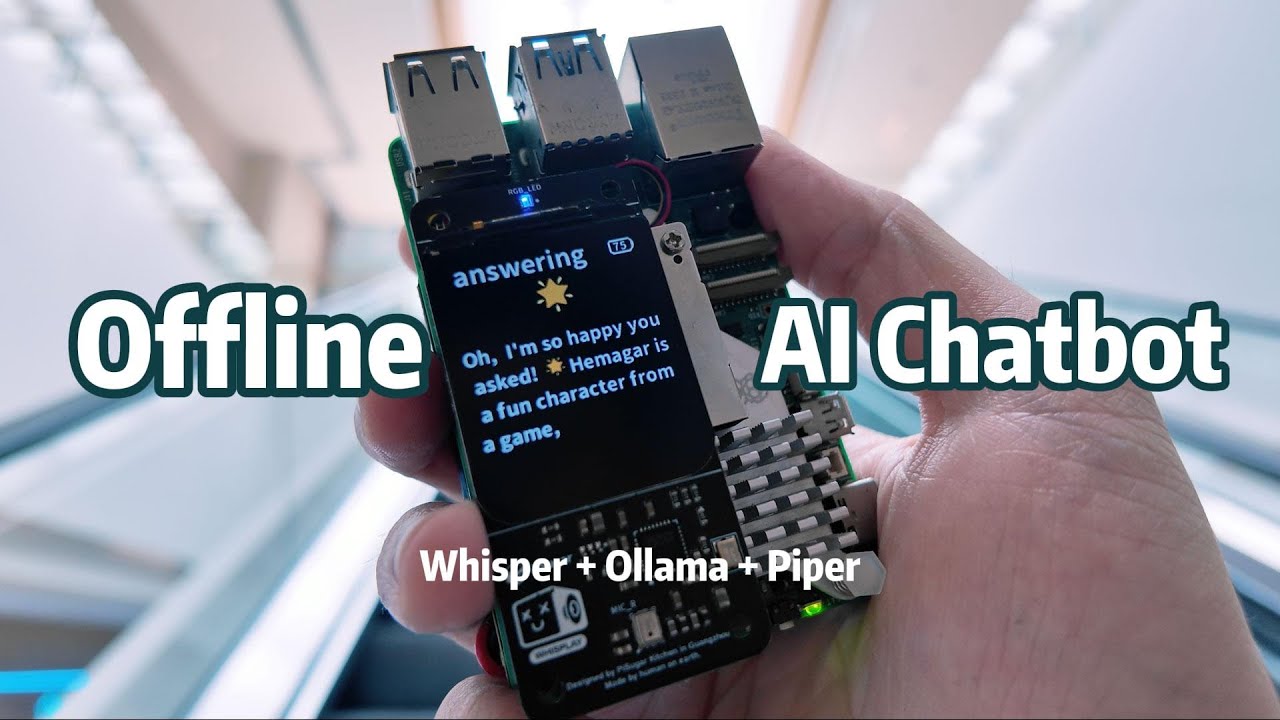
Build Your Own Offline Voice Assistant with Raspberry Pi

In this insightful tutorial from Jdaie Lin, you’ll discover how to create a fully offline voice assistant using the Raspberry Pi 5B. This project not only emphasizes privacy by eliminating the need for an internet connection but also showcases the versatility and fun of building personal AI technologies.
Key Points:
- Project Overview: This project focuses on a voice assistant designed to function entirely offline, elevating user privacy and portability.
- Hardware Setup: It is recommended to use a Raspberry Pi equipped with at least 8 GB of RAM along with an active cooling solution to handle resource-intensive applications effectively.
- Software Installation: By utilizing the Raspberry Pi Imager, you can set up the required operating system and essential software packages like Whisper for speech-to-text functionality.
- Chatbot Functionality: The voice assistant uses models such as Olama and Whisper for voice recognition and responses, allowing interactive communication that includes answering questions, providing information, and delivering jokes.
Insights:
- Offline Capabilities: Operating without internet reassures users of their privacy, making technology interactions safer.
- User Engagement: The playful interaction style makes learning enjoyable and interactive.
- Practical Application of AI: This project highlights the accessibility of advanced technology, transforming it into fun, DIY projects for tech enthusiasts.
Actionable Advice:
- Assemble Required Components: Ensure your Raspberry Pi has sufficient RAM (8 GB+) and implement proper cooling solutions.
- Set Up Software: Use Raspberry Pi Imager for installing necessary drivers and AI software.
- Installation Tips: Download software packages using a faster device first, then transfer them to the Raspberry Pi to optimize setup speed.
- Utilization of Models: Experiment with various models, adjusting settings for the best voice interaction experience.
Supporting Details:
- Example Interaction: The assistant not only provides informative responses like simple recipes but also engages users with jokes, showcasing its dual functionality.
- Final Configuration: Automate the assistant's launch with a startup script, allowing it to activate without manual input.
Personal Reflections:
The thorough approach taken in this project is truly inspiring and demonstrates how technology can be transformed into personal and creative outlets, all while respecting user privacy. It opens doors for DIY tech enthusiasts to venture into self-contained technologies, resonating with a growing need for secure and personalized tech solutions.
For a complete understanding of this project, watch the full tutorial here:
Join Our Learning Journey!
Don't miss out on more exciting tech insights! Connect with us on social media:
Let’s grow and learn together!