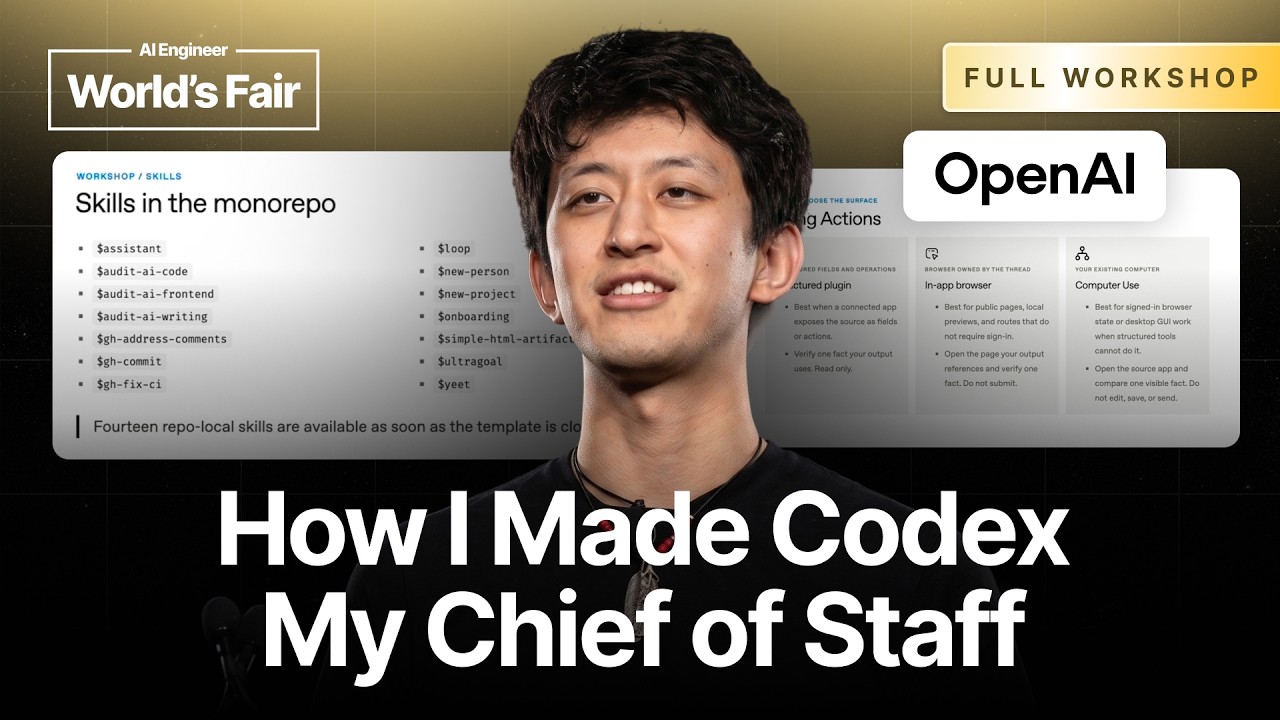
If you feel bogged down by the sheer volume of tasks in your work life or are struggling with efficient project management, you’re not alone. Modern workflows can overwhelm even seasoned professionals, especially as the number of projects and teams expands. But what if you could streamline these workflows to enhance focus, collaboration, and overall productivity? Jason Liu from OpenAI Codex shares invaluable strategies in his workshop, tackling the modern challenges of knowledge work head-on.
TL;DR
This article breaks down Jason Liu’s strategies for enhancing productivity and organization within coding and project management workflows. Key techniques include using Codex's annotation tools, implementing a compaction strategy to manage discussions, and automating tasks through skill development. These strategies aim to enhance efficiency, focus, and team collaboration.
The Problem
As Jason points out, many knowledge workers today juggle multiple projects with numerous tasks that can quickly become unmanageable. Traditional communication methods often lead to confusion and inefficiency in tracking project updates and discussions, especially when projects span weeks or months. For instance, the challenge intensifies when team members are simultaneously involved in various projects, resulting in a chaotic mix of tasks that often leads to missed deadlines and lost context. These issues exacerbate team dynamics and can ultimately impact project quality and productivity.
The Strategy
The strategies introduced by Jason in his workshop revolve around a systematic approach to managing tasks and promoting team collaboration. By leveraging the Codex app, he emphasizes a framework that encourages conversation compaction, task automation, and personal skill development. The essence of the strategy prioritizes reducing manual input and distractions, enabling users to focus on high-priority duties. Here’s how it fundamentally works:
How It Works (Step by Step)
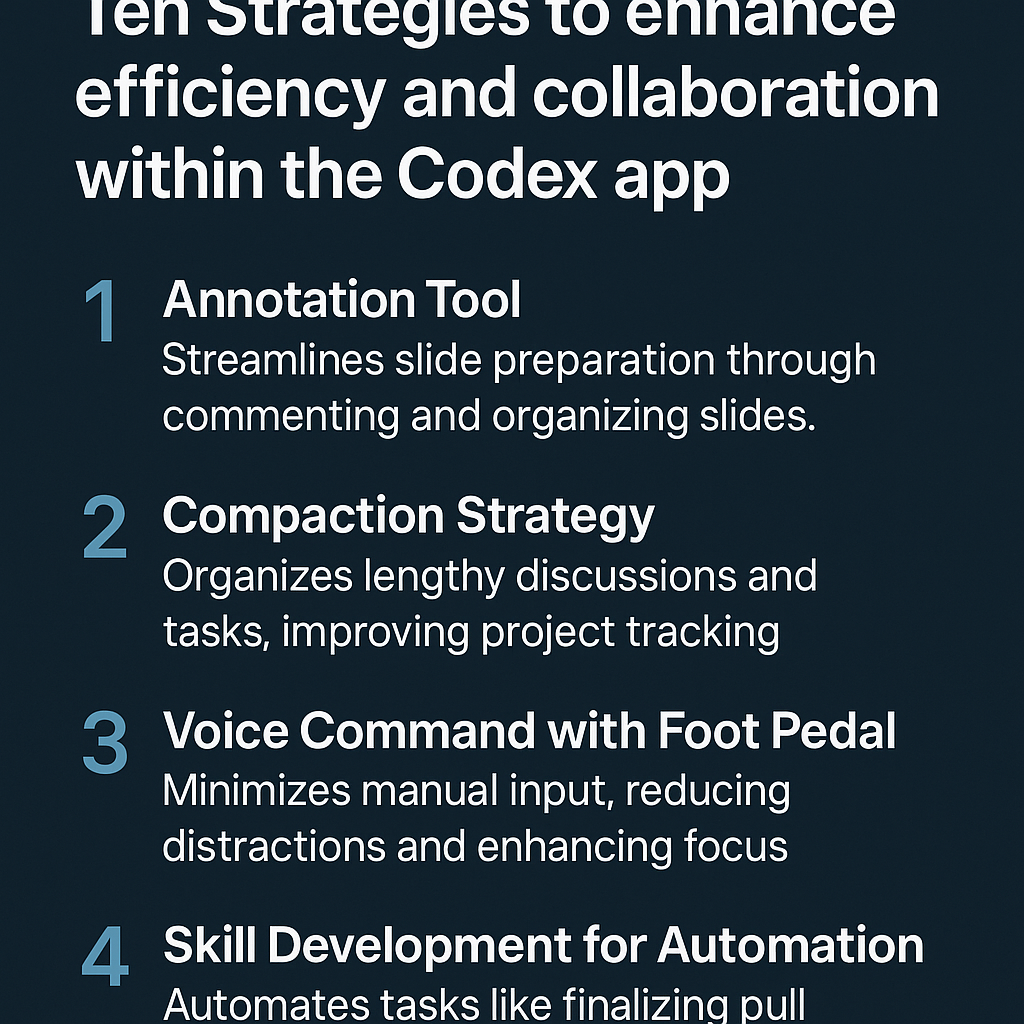
Step 1: Utilize the Annotation Tool
Make use of the annotation tool within the Codex app. This allows you to comment directly on slides, helping to clean them up and refine your presentations.
Step 2: Implement a Compaction Strategy
Organize discussions and tasks by compacting threads. This means long-running discussions can stay actionable without overwhelming anyone. Ensure that older discussions still provide clear direction on what needs to happen next.
Step 3: Use Voice Commands
Incorporate a foot pedal technology to transcribe and send commands. This minimizes the need for manual typing and helps maintain focus on collaborative tasks.
Step 4: Focus on Skill Development
Invest time in learning how to automate repetitive tasks. Develop personal skills or team plugins, like those that finalize pull requests, ensuring compliance with coding standards.
Step 5: Foster Effective Code Reviews
Create skills that emulate past colleague feedback for code reviews. By drawing on historical evaluations, newer developers can receive accurate feedback aligned with team practices.
Step 6: Pin Threads for Management
Use pinned threads to manage ongoing conversations effectively. Rename these threads according to project IDs to easily reference and delegate tasks within them.
Step 7: Invest in Personal Memory
Keep track of your delegated tasks and automated processes by referring back to your threads. This keeps you aware of your contributions amidst complex project workflows.
Step 8: Continuous Training
Regularly refine and iterate on your skills based on team feedback. Keeping your skills updated is essential for sustained productivity.
Step 9: Embrace Advanced AI Integration
Shift from traditional roles towards using AI for task management and orchestration. This allows for a more structured approach to modern workflows.
Examples from the Source
Jason mentioned, “I have threads now that are weeks old, containing numerous sub-tasks, and they generally know what needs to happen.” He encourages “getting comfortable with talking to your computer” and highlighted a critical element: “text input is becoming less relevant.” He uses “a foot pedal to transcribe and send commands, allowing me to focus more on my colleagues rather than monitoring Slack all day.”
Regarding skills developed for automation, Jason shared, “One of the most popular skills is the one that finalizes the Codex app; anyone making a pull request triggers this skill before review, helping everyone on the team ensure compliance with coding standards.” He excitedly added, “I have a skill that reviews my code like Charlie, based on feedback he has provided over the past year.”
In relation to project management processes, he emphasized, “Once you become comfortable with automation and pinned threads, they can feel like teammates... you can start to have more efficient workflows, resembling a team structure.”
Common Pitfalls
Despite these strides towards enhanced productivity, there are common mistakes that can hinder effectiveness:
- Over-Reliance on New Threads: Some users still start new threads for lengthy conversations, missing out on the benefits of pinning and maintaining context.
- Neglecting Skill Development: Failing to invest time in personal skill development can lead to missed opportunities for automation and efficiency.
- Ignoring Feedback: Not regularly refining workflows based on team feedback can leave your processes outdated and ineffective.
- Manual Input Mistakes: Relying too much on traditional typing instead of utilizing voice commands can slow down productivity and increase errors.
Action Checklist
- Set up the Codex app and familiarize yourself with its features.
- Start using the annotation tool for your next presentation preparation.
- Implement a compaction strategy for your ongoing project discussions.
- Invest in learning how to use a foot pedal for voice commands.
- Develop skills that automate repetitive tasks within your team.
- Pin threads relevant to your current projects and rename them for easy reference.
- Regularly solicit feedback from your team to refine and iterate your skills.
- Begin integrating AI tools into your daily workflow for task management.
Watch the Full Video
Get more insights and detailed explanations by watching the original workshop by Jason Liu at OpenAI Codex: Full Workshop: Setting Yourself Up for Success.
Want more like this?
The full archive of strategy + AI articles lives at strategythread.app, curated weekly, no fluff.