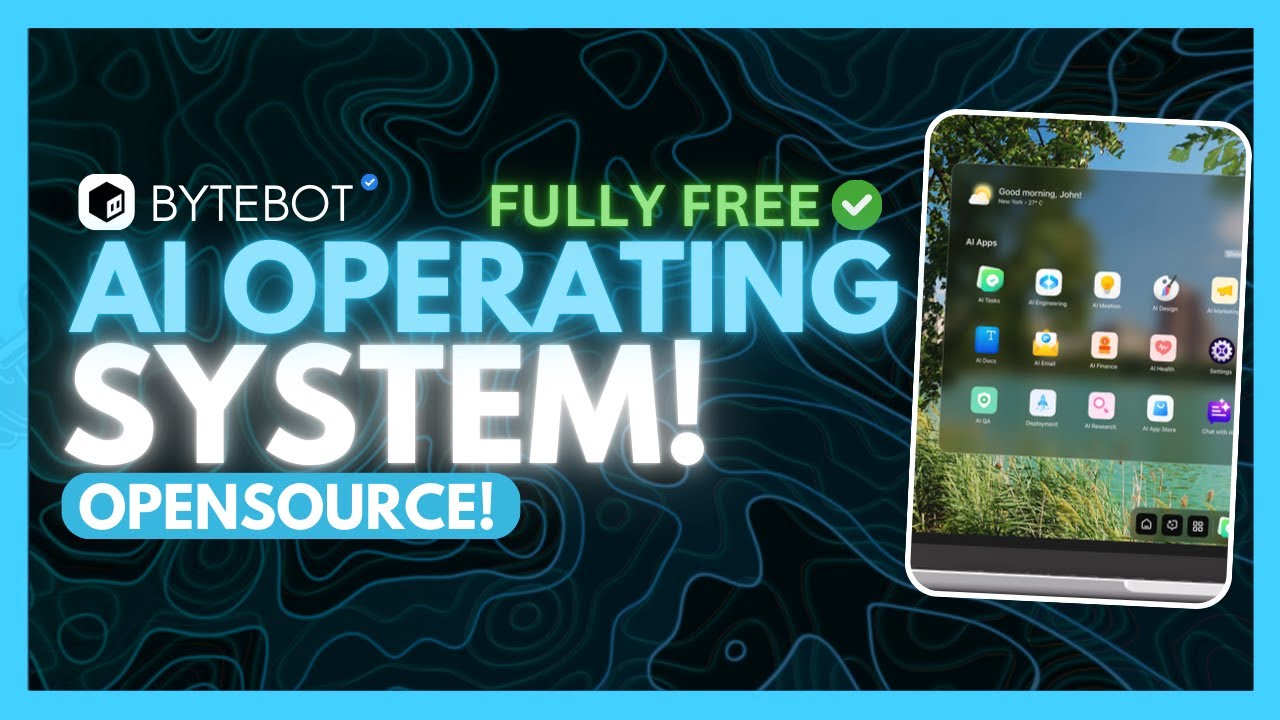
Unlocking the Future with Bytebot OS: The Game-Changing AI Operating System

Are you ready to transform your everyday desktop experience? Meet Bytebot, the first open-source, self-hosted AI desktop operating system that promises to revolutionize how we interact with our computers. Let's dive into its incredible features, insights, and actionable advice on getting started with Bytebot!
Valuable Insights on Bytebot OS
Key Points:
- Definition of AI Operating Systems: An AI operating system (AI OS) automates tasks on desktops across various platforms (Linux, Windows, Mac OS). However, many marketed solutions are merely cloud-based tools or superficial automation without true desktop integration.
- Introduction to Bytebot: Bytebot provides a robust solution by effectively controlling and automating desktop tasks with AI agents operating in a secure, virtual desktop environment.
- Capabilities: Bytebot can automate a wide array of tasks, including:
- Interacting with desktop applications
- Browsing websites, managing emails, and using office tools
- Reading and processing documents (PDFs, spreadsheets) and executing multi-step workflows
- Scaling and Asynchronous Tasks: Users can leverage multiple agents simultaneously for high levels of task parallelization.
- Demonstration: A live demo showcases Bytebot's functionality, including data extraction and report generation through natural language prompts.
Insights:
- True Desktop Automation: Bytebot sets itself apart by directly integrating with desktop environments, offering a more robust automation experience rather than merely simulating user actions in a browser.
- Self-Hosting Advantage: As an open-source and self-hosted solution, Bytebot allows users full control over their systems, alleviating concerns related to data privacy and vendor lock-in common in commercial AI solutions.
Actionable Advice:
- Setup Guide: Start with the Bytebot documentation to guide your installation, preferably using Docker Compose for a local model setup. Be sure you have Docker version 20.10+, Docker Compose installed, and a minimum of 4GB RAM.
- Configuration of AI Models: Choose from several AI models, such as OpenAI or local alternatives, for optimal flexibility in deployment.
- Example Tasks: Recommended tasks to enhance productivity include document parsing, web inquiries, and multi-step operations, especially once configurations are correctly set.
Supporting Details:
- The tutorial provides a step-by-step approach for cloning the Bytebot repository, setting up API providers, and successfully running tasks through descriptive prompts. The importance of clear commands for optimal task completion is emphasized.
Personal Reflections:
The introduction of Bytebot represents a remarkable leap forward in desktop automation, aligning traditional applications with cutting-edge AI capabilities. With its open-source structure, Bytebot enables individuals and teams to innovate and improve productivity without hefty costs. This technology highlights the potential of AI in everyday tasks, paving the way toward more intelligent user interfaces that empower users significantly.
Bytebot stands out as a formidable contender in the realm of AI desktop automation, presenting comprehensive solutions that are both accessible and practical for a diverse audience.
For a deeper look at Bytebot and its functionalities, check out the video below:
Join Our Learning Journey!
If you're excited about embracing new technologies and want to stay updated, follow me on social media!