Build The Ultimate Voice + SMS Agent With Vapi (NO-CODE)

Have you ever wanted to create a seamless voice and SMS agent without any coding experience? In this blog post, we delve into the insightful tutorial from Brendan Jowett on “Build The Ultimate Voice + SMS Agent With Vapi.” This powerful platform enhances communication with AI voice agents through new SMS integration, making it accessible and efficient for users across various industries. Let's break down the key takeaways, actionable steps, and additional insights from the video!
Valuable Insights
Introduction of Vapi SMS Integration
- Vapi has introduced a native SMS functionality, enabling seamless text communication with AI voice agents.
- This update significantly enhances the efficiency of the development process for voice agents.
Step-by-Step Setup of Vapi AI Voice Agent
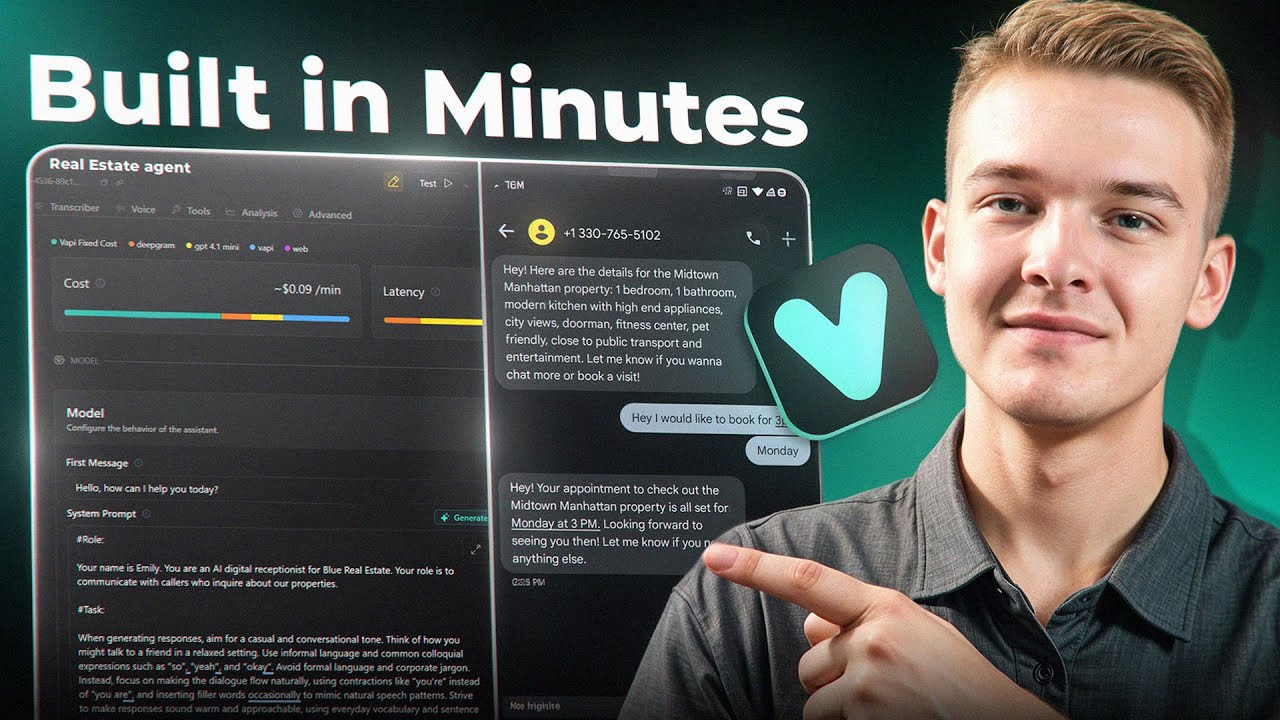
- The video features a comprehensive walkthrough on creating a voice agent, using a real estate example.
- Viewers are guided through creating an agent, setting system prompts, and connecting to SMS.
Understanding the System Prompt
- The system prompt is crucial as it dictates the agent's personality and interaction style.
- It can be customized with roles, tasks, and business context to better define the agent's capabilities.
Integration with Third-Party Tools
- Vapi connects with Twilio for SMS functionality, requiring users to set up a Twilio account and import a phone number.
- The integration involves selecting tools within Vapi that facilitate sending and receiving text messages.
Insights
- Efficiency in Development: The implementation of SMS simplifies communication between users and voice agents, making it applicable in various real-world scenarios like real estate inquiries.
- Role of Personalization: Customizing the agent with a specific role and tasks enhances user experience and makes interactions feel more natural.
- Importance of Context: Providing context within the system prompts allows the AI to respond more accurately and effectively, improving user satisfaction.
Actionable Advice
- Setting Up Your Agent: Follow the provided steps to create an agent on Vapi with a relevant system prompt based on your business needs. Test your agent interactively using the “talk to assistant” feature.
- Configuring SMS Functionality: Sign up for a Twilio account to get a phone number capable of receiving and sending SMS. Ensure the Twilio number is correctly linked within the Vapi platform to use SMS features.
- Enhancing User Interaction: Include clear instructions in the system prompt to guide the AI in sending and receiving messages effectively. Use templates or examples in prompts to improve the conversation's flow.
Supporting Details
- Real-World Application: The example given—using a real estate agent to book appointments through text—demonstrates practical use cases for this technology.
- Technical Configuration: A detailed guide is shared on how to connect your Twilio number with Vapi, emphasizing that a standard Vapi number won’t work for SMS.
Personal Reflections
The integration of SMS into AI voice agents represents a significant leap toward more interactive and responsive customer service solutions. The simplicity of the Vapi platform empowers users, even those without coding experience, to leverage advanced AI capabilities for their businesses. This video reinforces the idea that technology, when simplified, can lead to significant improvements in efficiency and user engagement.
Conclusion
With these insights and actionable steps, you are now equipped to build your very own voice and SMS agent using Vapi. Embrace this opportunity to enhance your customer interactions and streamline operations.
For a more in-depth understanding and visual guide, check out Brendan Jowett's full tutorial here:
Follow me to join the learning journey! Stay engaged and inspired: