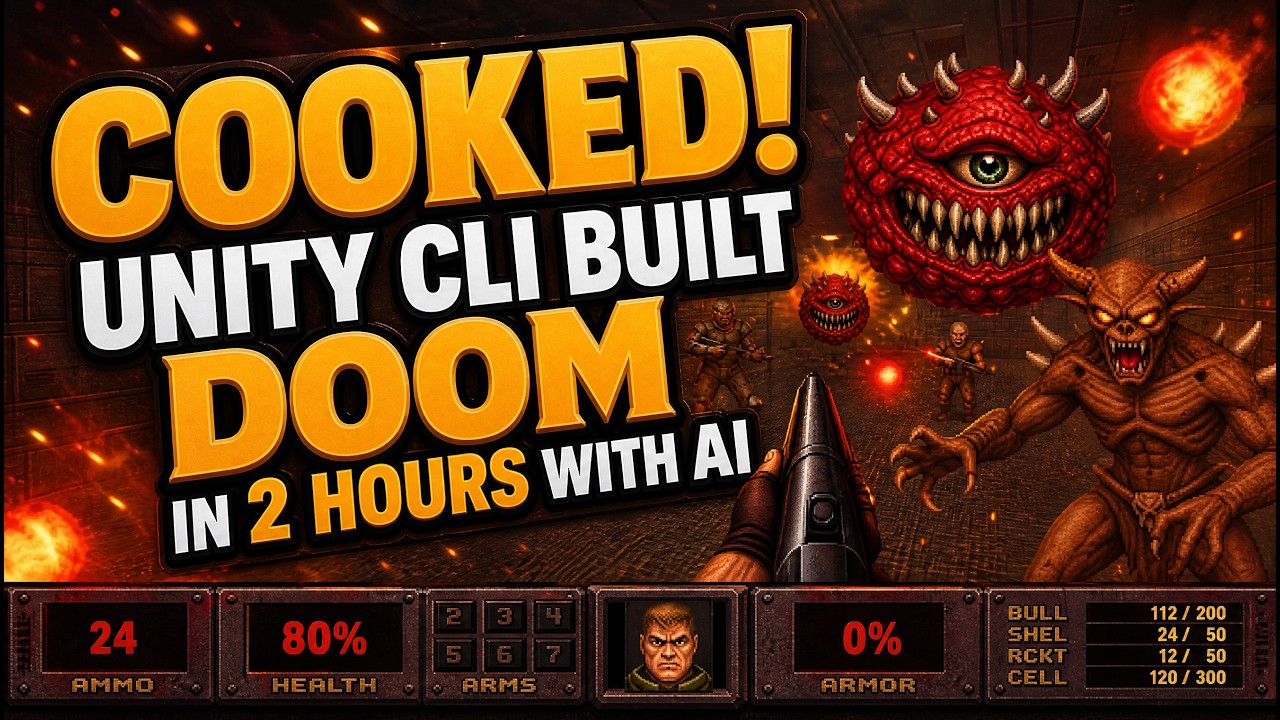
What if you could recreate a classic video game in just a couple of hours? In his video "I Built Doom 2 with Unity CLI and AI in 2 Hours," DevDude demonstrates how advances in AI technology can radically streamline game development processes, shifting the paradigm from labor-intensive asset creation to rapid deployment using intelligent automation. The takeaway? It is becoming increasingly feasible for developers to harness AI, transforming creativity into swift execution without losing authenticity.
TL;DR
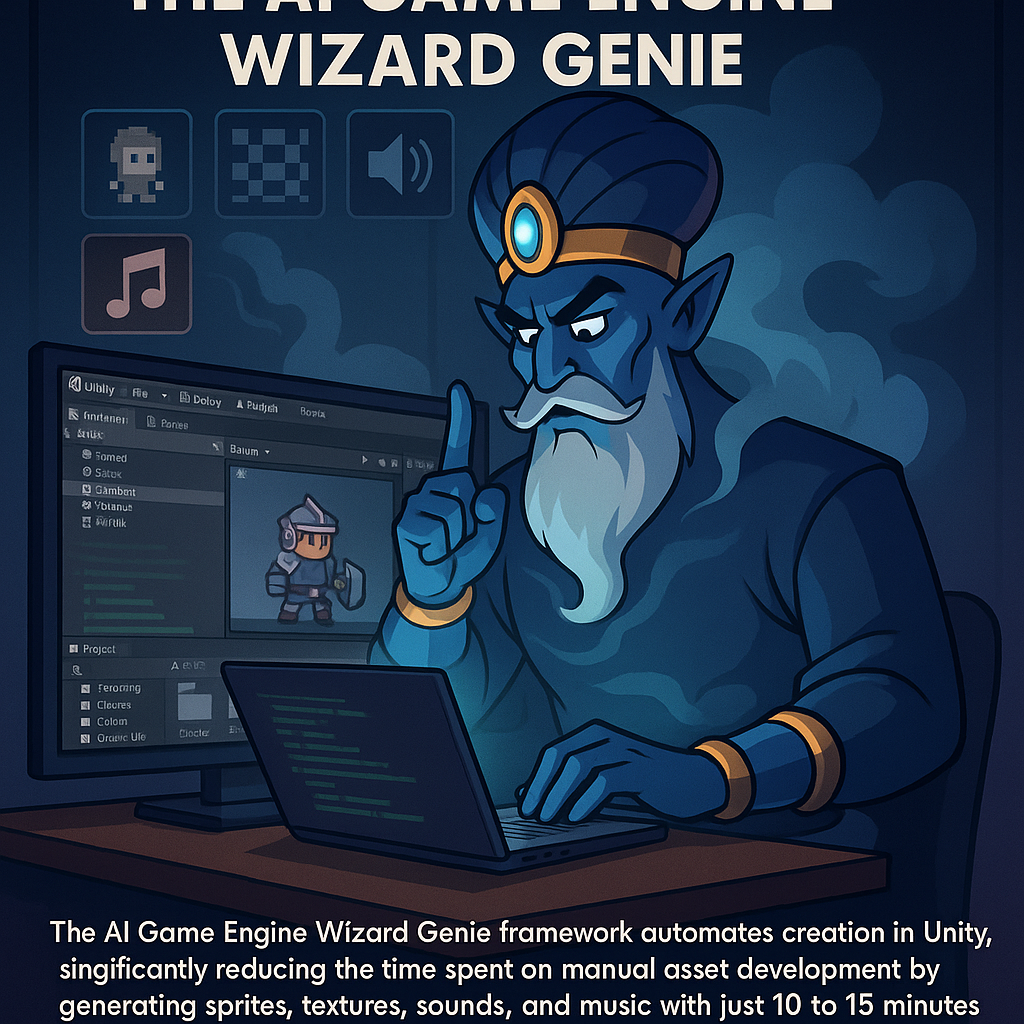
DevDude rebuilt Doom 2 using Unity and AI in just two hours by employing an AI game engine known as Wizard Genie. By providing minimal input in terms of prompts, he used automated asset creation tools, including the Sorceress API, significantly reducing labor and ensuring a cohesive game experience.
The Problem
The gaming industry faces ongoing challenges regarding the time and resources required to create high-quality assets. Traditional processes often necessitate extensive manual work for designing characters, animations, sounds, and environments. This leads to development bottlenecks that hinder creativity and efficiency, forcing developers to choose between speed and authenticity. Dupree’s approach confronts this issue head-on, pioneering a solution that allows for the rapid creation of game assets while still preserving the nostalgic elements of original titles.
The Strategy
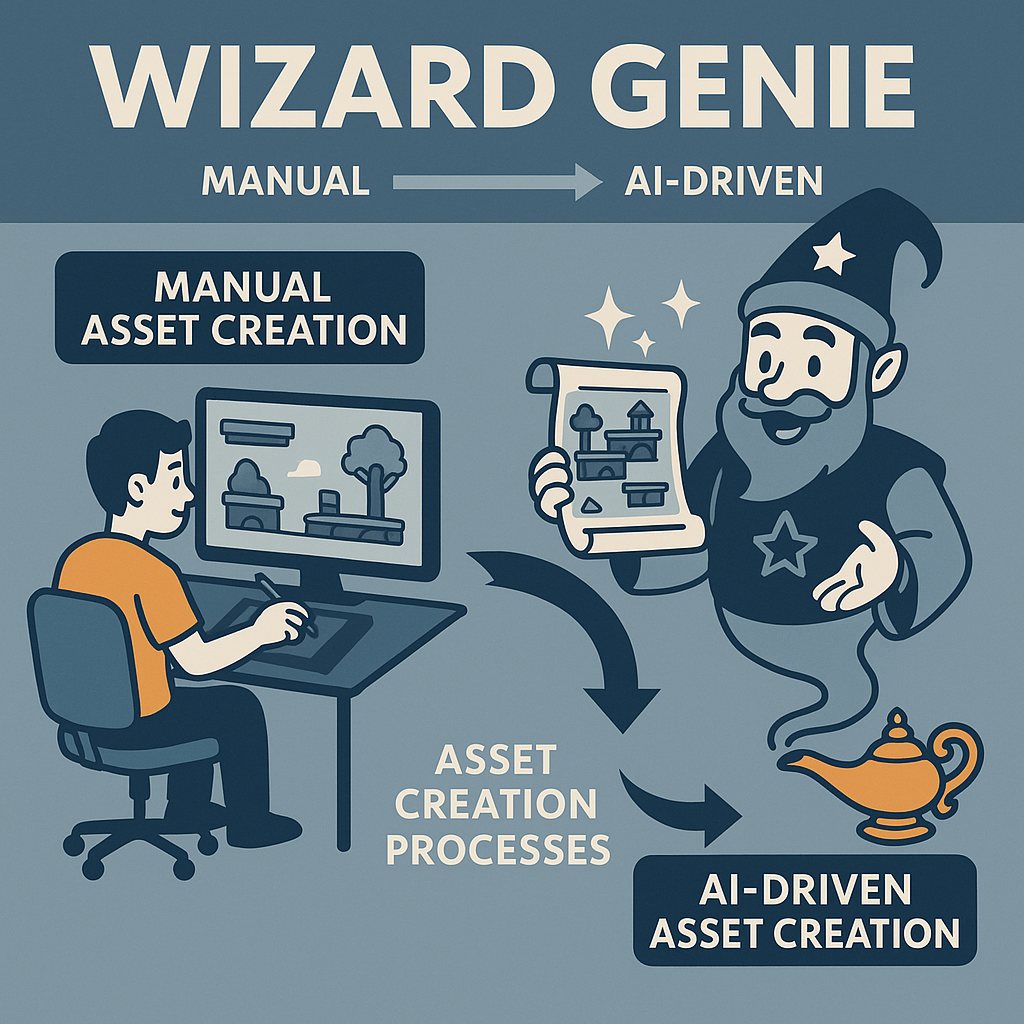
Utilizing the Wizard Genie framework, Dupree aims to redefine asset creation by shifting away from manual processes. The framework allows for autonomously generated game components while working within Unity's existing command line structure. The strategy emphasizes the importance of initial prompting, where focused direction enables the AI to produce a full suite of game assets efficiently. This holistic approach not only accelerates development but also combines authenticity with innovation, enticing developers to embrace AI as a collaborative partner in the creative process.
How It Works (Step by Step)
1. Initial Prompting
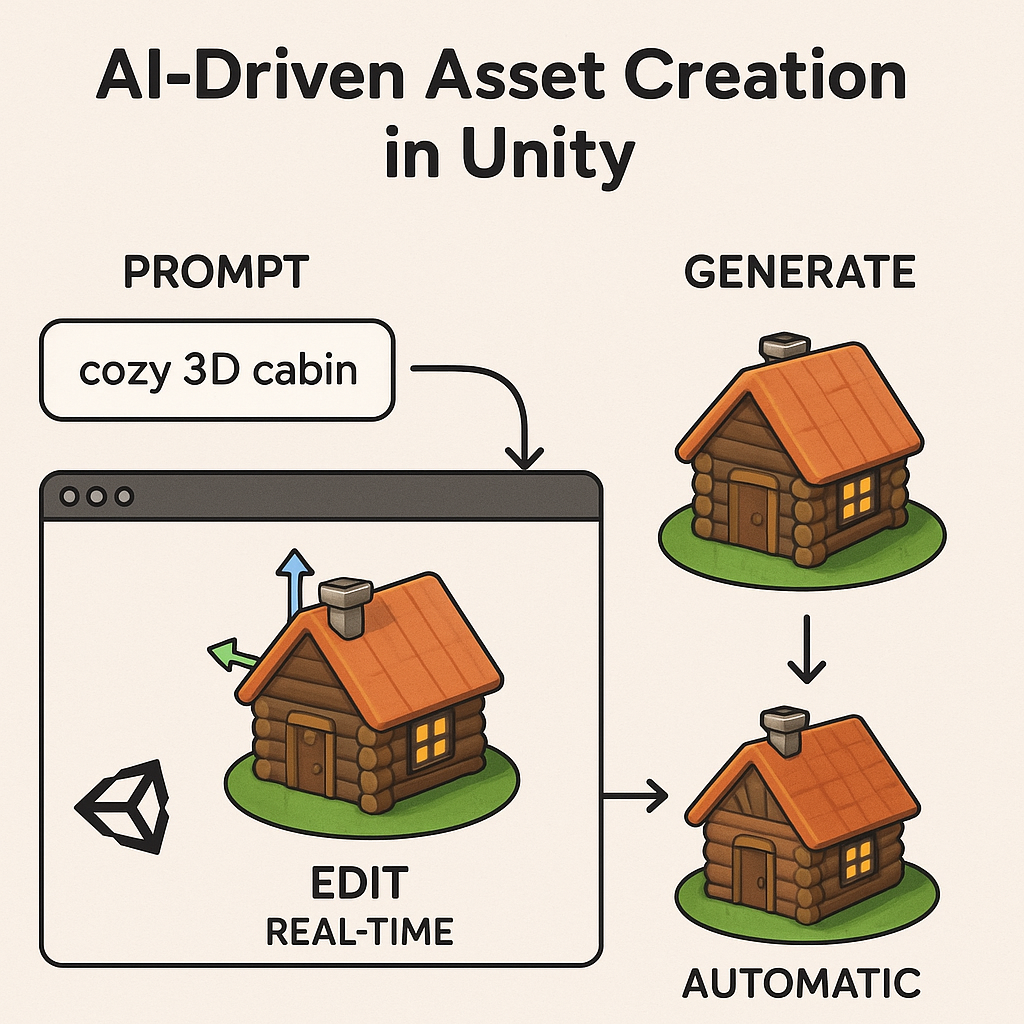
Providing only 10-15 minutes of focused prompting sets the stage for the AI to generate a comprehensive suite of game assets.
2. Real-time Editor Operation
The AI operates within the open Unity editor, allowing for real-time generation, testing, and adjustments.
3. Reference Chaining Technique
Using tools like Auto Sprite version 3, the AI maintains consistency in character sprites by creating a base pose and referencing it for additional animations.
4. Sprite Scale Adjustments
AI examines the game's environment to adjust the scale of sprites, ensuring they visually integrate with the game world.
5. Automated Asset Generation via Sorceress API
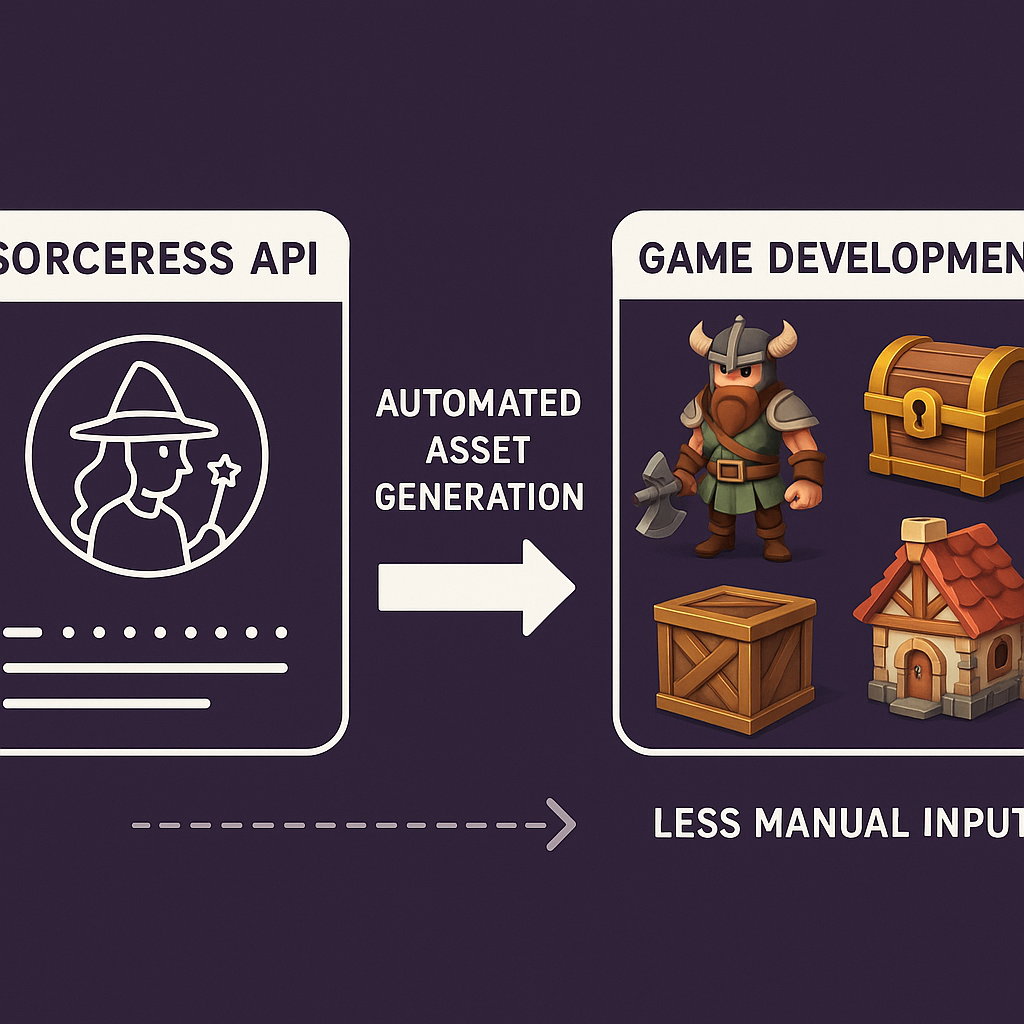
The Sorceress API facilitates the autonomous creation of various game elements, drastically reducing the necessity for manual input.
6. Asset Design Based on Existing References
Screenshots or specifications from original games guide the AI in producing nostalgic designs like the Doom status bar.
7. AI-Generated Sound Design
Sound effects and music are generated through basic instructions, eliminating the need for traditional audio sourcing.
8. Final Integration
Assets, including sprites, sounds, and gun designs, are integrated into the Unity engine, culminating in a playable product that retains the essence of Doom.
Examples from the Source
During the development process Dupree highlights several techniques and outcomes, including:
- All assets, including sprites, textures, and audio, were generated within an afternoon using the Wizard Genie framework in Unity.
- The AI produced complete animated sets of creatures based on a single prompt for enemies that mirror the appearance of the original Doom monsters.
- The reference chaining technique with Auto Sprite version 3 ensured character consistency across multiple poses, vital for animated enemies.
- Sprite scales were adjusted for game appearance, resulting in monsters like the Cacodemon and Imp fitting appropriately in the environment.
- Sound effects and music were generated cohesively, with the AI producing audio based on basic descriptive prompts.
- The status bar was created by using a screenshot from the original Doom, prompting the AI to replicate its design and produce six unique states of the Marine's face.
"The AI designed the creatures, wrote their descriptions, and sent them to the Sorceress tools, resulting in a complete animated set."
"The design process ensured a variety of quality sounds that were both effective and cohesive."
Common Pitfalls
Not every developer will experience the same success when adopting AI-based asset creation. Some common pitfalls include:
- Insufficient Prompting: Providing vague or overly broad prompts can lead to uninspired outputs and less effective assets.
- Ignoring Testing: Focusing solely on asset generation without real-time testing can result in inconsistencies and gameplay issues.
- Overdependence on AI: Relying too heavily on AI for creative decision-making may stifle individual creativity and lead to a lack of distinct game identity.
- Underestimating Integration Challenges: While generating assets may be rapid, integrating them into the game and ensuring they work cohesively can still be time-intensive.
- Neglecting User Feedback: AI can accelerate development, but user feedback is crucial for refining mechanics and gameplay experience.
Action Checklist
To implement this AI-assisted development strategy, consider the following steps:
- Invest time in understanding the capabilities of AI frameworks like Wizard Genie and Sorceress API.
- Spend adequate time crafting clear and focused prompts for the AI to maximize asset output.
- Utilize the Unity real-time editor to test and validate assets as they are generated.
- Incorporate reference chaining techniques for character animation to maintain visual consistency.
- Run regular quality checks on both visual and audio assets to ensure they align with the intended aesthetic.
- Gather user feedback throughout the development process to refine and iterate on the game.
- Document the development workflow for future projects, allowing for continual improvement and refinement of practices.
Watch the Full Video
Catch DevDude's full process in his video here.
Want more like this?
The full archive of strategy + AI articles lives at strategythread.app, curated weekly, no fluff.