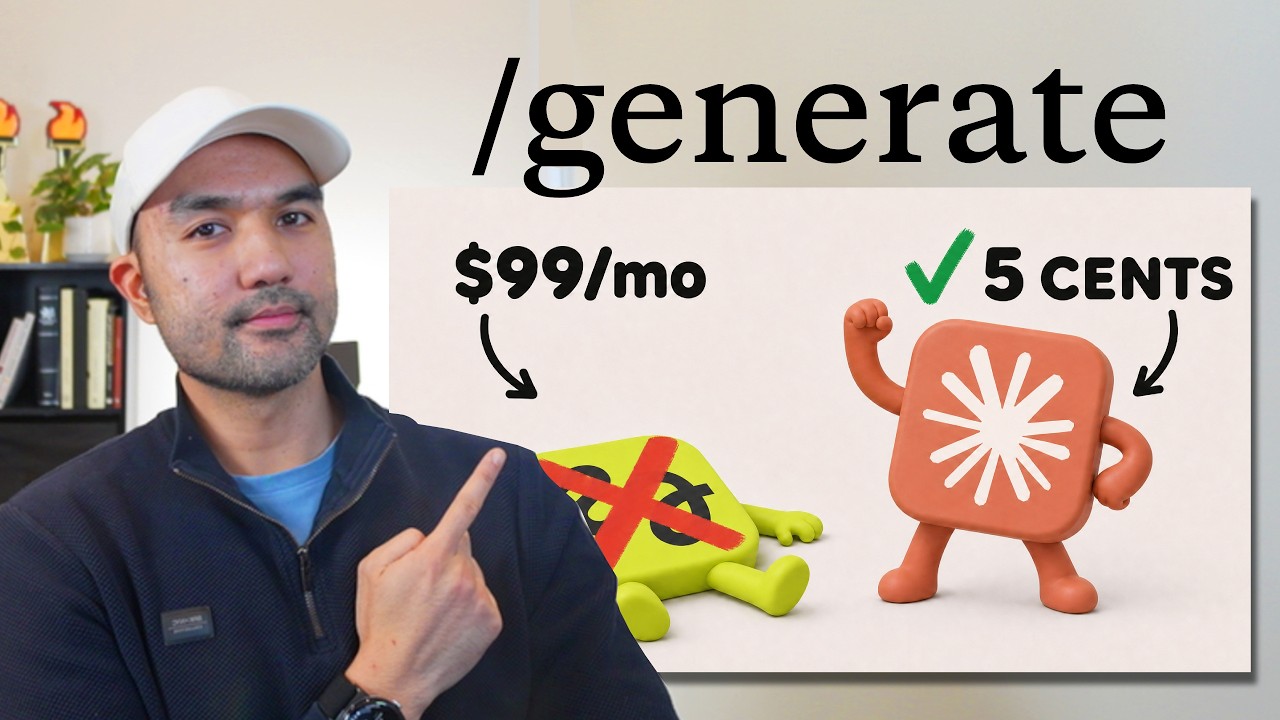
Struggling with the high costs and restrictive policies of subscription-based creative tools? You’re not alone. Many users have become frustrated with platforms like Higsfield due to their expensive monthly fees and ownership policies. Fortunately, there’s a new alternative that not only cuts down on costs but also gives you full creative control: Claw. In this guide, we’ll break down the reasons for making the switch, the strategies for effective use, and examine the insights shared by Jay E | RoboNuggets in his video, "I Cancelled Higgsfield and Made This Claude Skill Instead."
TL;DR
By replacing Higsfield with Claw, you can avoid high subscription fees and gain full ownership of your generated content. Claw’s pay-for-what-you-produce model and tools for budget management and diverse image generation empower you to create effective advertisements and build websites quickly and affordably.
The Problem
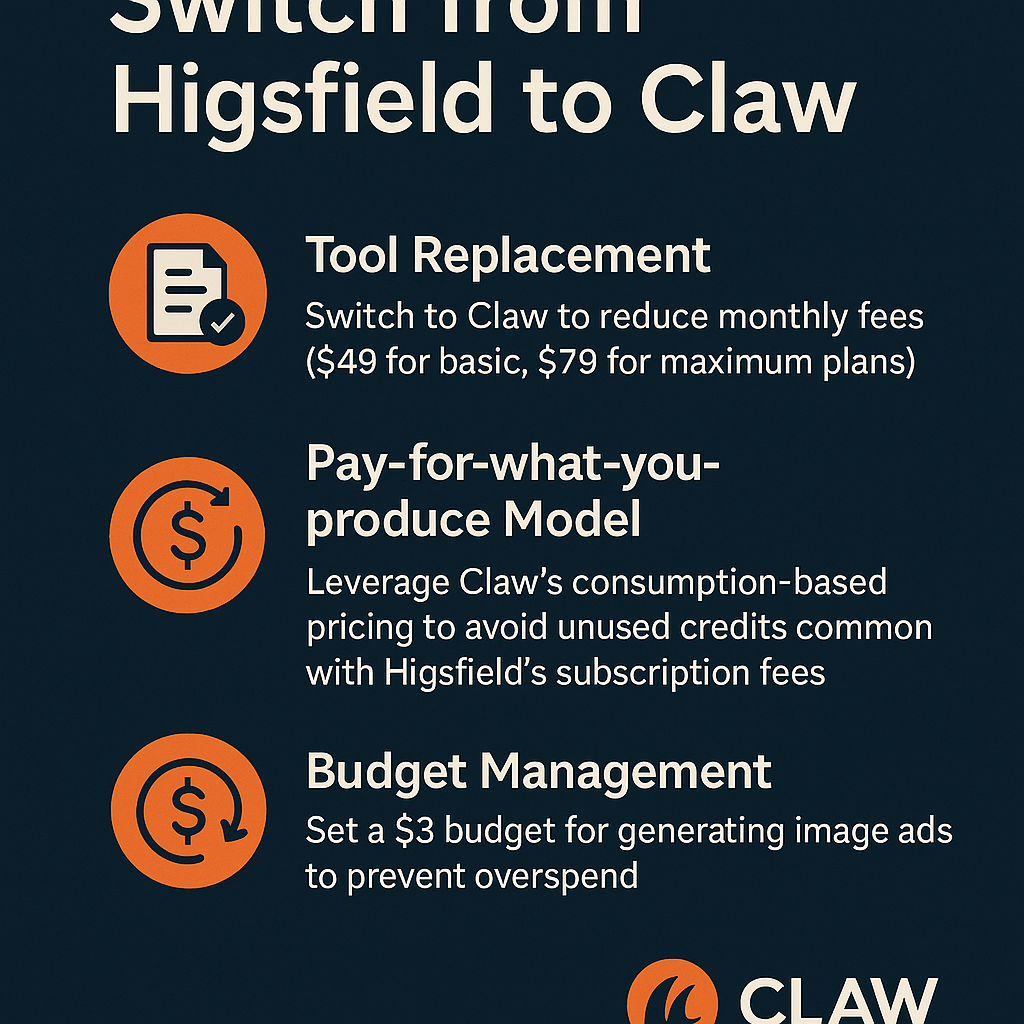
The primary pain point with Higsfield is its expensive pricing structure, with monthly fees averaging $49 for the basic plan and $79 for the maximum plan. This system pressures users to pay for features or credits they might not even utilize. Moreover, recent updates to Higsfield’s terms of service caused confusion regarding content ownership, with the platform retaining rights to user-generated content for improvement purposes. Users also faced challenges with content deletion policies, limiting their control over their own creations.
The Strategy
The strategy involves transitioning from an expensive subscription model to a pay-per-use framework that fosters financial control and ownership of generated content. Claw offers a more accessible approach where you only pay for what you produce. This enables users to manage budgets effectively while experimenting with various styles of image generation to enhance branding. Jay E | RoboNuggets advocates for using Claw’s tools, so you can tailor your creative process to fit your specific needs without being constrained by limitations or hidden costs.
How It Works (Step by Step)
1. Tool Replacement
Start by replacing Higsfield with Claw. This solution addresses the financial burden of high subscription fees, providing similar services without the stress of monthly commitments.
2. Pay-for-what-you-produce Model
Utilize Claw's pricing structure that charges you based on what you create. This means you will only incur costs for the actual images and videos produced, avoiding the issue of paying for unused credits.
3. Set a Budget
Establish a strict budget, around $3 for generating image ads. This step is crucial to prevent overspending on advertising, allowing for cost-effective experimentation.
4. Diverse Image Generation
Employ various image models during your projects. By generating different styles for comparison, you can identify the designs that resonate best with your brand, saving time on revisions.
5. Use Images for Website Creation
After generating images, use their file paths to create websites based on those visuals. This approach can help you achieve 70% to 80% completion on your website quickly.
6. Retain Content Ownership
Keep all generated images and prompts stored locally on your device with Claw, ensuring you maintain full ownership over your creative content.
7. Understand Content Use Terms
Be aware of Higsfield’s content ownership policies to avoid misunderstandings. Even if you retain ownership, the platform reserves the right to utilize your content for their improvements.
8. Build Custom Tools
Use Claw's capabilities to develop custom tools tailored to your unique workflows, giving you flexibility and personalization in your creative projects.
9. Use the /generate Skill
Invoke the skill named /generate in Claw to kickstart the process of image creation efficiently, enhancing your productivity.
10. Reference Images
Pasting in reference images can provide context for the design style to the generation model, ensuring that the outputs align with your branding aesthetic.
11. Learn the System
Take the time to understand how Claw operates in comparison to Higsfield. Familiarizing yourself with the intricacies can assist you in deciding which creative AI tools best match your needs.
Examples from the Source
Jay E | RoboNuggets mentions, "I recently replaced Higsfield with a tool called Claw because, despite Higsfield's marketing effectiveness, it is quite expensive and has frustrated many users, particularly with a recent update to their terms that allowed them to claim ownership of user-generated content."
He highlights the advantages of Claw, stating, "Now that the generation is complete, we've produced three unique image ads, each one created with different models. This approach allows for a diverse range of designs, helping you identify which style suits your needs best."
"By copying the file path of a chosen image and using it in a prompt, I can instruct the tool to build a website for the drink, animate the image, align colors, and even generate additional images in the same style. This process can quickly bring you 70% to 80% to a completed website."
Dupree emphasizes the importance of understanding the differences between platforms: "Essentially, Higsfield aggregates various creative AI models, enabling users to access them through their platform. While there’s merit to this aggregation, many users are searching for alternatives due to some questionable practices on Higsfield's part, such as recent changes to their terms of use regarding content ownership."
Common Pitfalls
- Failing to establish a budget, leading to overspending on unused features.
- Not utilizing diverse image models, which results in limited design variation and potential misalignment with branding.
- Neglecting to fully understand Claw’s capabilities, which may lead to underutilization of the tool.
- Overlooking the importance of content ownership, which can result in confusion similar to that experienced with Higsfield.
- Being unprepared for the learning curve when transitioning between platforms, leading to ineffective use of new tools.
Action Checklist
- Replace Higsfield with Claw to cut costs.
- Adopt a pay-for-what-you-produce model to enhance financial control.
- Set a budget (e.g., $3) for generating image ads.
- Generate multiple image styles for effective comparisons.
- Create your website by using generated image file paths.
- Retain full ownership of local content created with Claw.
- Familiarize yourself with tool limits and ownership terms.
- Use the /generate skill for efficient image creation.
Watch the Full Video
For a more in-depth exploration of the strategies discussed, watch the full video by Jay E | RoboNuggets at this link: I Cancelled Higgsfield and Made This Claude Skill Instead.
Want more like this?
The full archive of strategy + AI articles lives at strategythread.app, curated weekly, no fluff.