Valuable Insights from Cloning a Website Using Firecrawl MCP Tool
Have you ever wondered how to clone a website with precision, preserving all its metadata and images? In this insightful post, we'll explore the power of the Firecrawl MCP tool, which transforms the cloning process into a straightforward task. Drawing from a comprehensive YouTube tutorial by AI LABS, I’ll share key takeaways that will enable developers to harness this advanced technology effectively.
Key Points You Can't Miss!
- Cloning Process: The Firecrawl MCP tool excels at cloning websites by extracting crucial metadata. By simply providing the link to the target site, users can pull in content and images seamlessly.
- Setup Instructions: The video offers a thorough guide on setting up the MCP server locally or via Cursor or Windsurf, emphasizing the need for an API key for authentication.
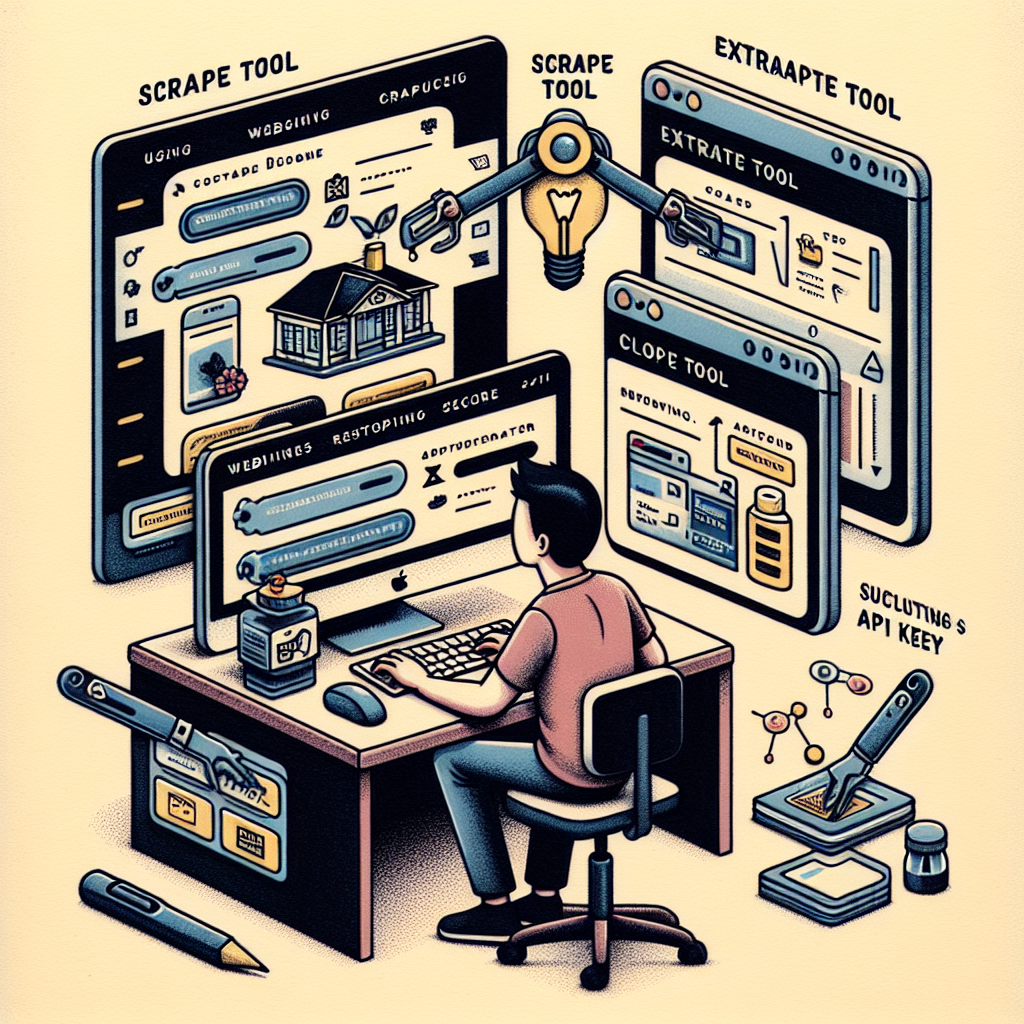
- Main Tools: Two essential tools are highlighted:
- Scrape Tool: This tool captures raw data, including HTML structure and content.
- Extract Tool: It focuses on retrieving structured content, making it easier to integrate into other websites.
- API Integration: Users must obtain an API key from the Firecrawl platform and configure it in Cursor to ensure seamless functionality.
Game-Changing Insights!
- The Firecrawl MCP tool elevates website cloning beyond mere replication by preserving metadata and images accurately.
- This innovative technology can significantly reduce the complexity of web development, allowing for efficient cloning or integration of complex website designs.
Practical Steps You Can Take Today!
- Installation Steps:
- Refer to the detailed GitHub guide for installation.
- Retrieve your API key from the Firecrawl dashboard, ensuring to remove the FC prefix in commands.
- Using the Tools:
- Begin with the scrape tool for a comprehensive data extraction when creating a clone.
- Use the extract tool for content integration from one site to another.
- Troubleshooting:
- If MCP configurations fail, verify the API key, refresh Cursor, or restart the application.
Supporting Details!
- The MCP tool allows scraping up to 500 pages before requiring an upgrade.
- Successful integration enables the generation of web pages that reflect the original structure and content, though some styling issues may arise.
My Personal Reflections
The process showcased with the Firecrawl MCP tool is a game-changer for developers aiming to build or clone sophisticated web designs. The accuracy of extracted content is impressive, although some styling discrepancies indicate that further improvements may be needed. This tool simplifies traditionally arduous tasks and makes web design more accessible to all.
For a more in-depth understanding, check out the full tutorial by AI LABS on YouTube:
And there you have it! With these insights and practical strategies, you’ll be well on your way to mastering the Firecrawl MCP tool for exceptional web development.
Join us on our learning journey by following my social media accounts: