Valuable Insights from Vibe Coding: Unlocking Intuitive Interactions with AI
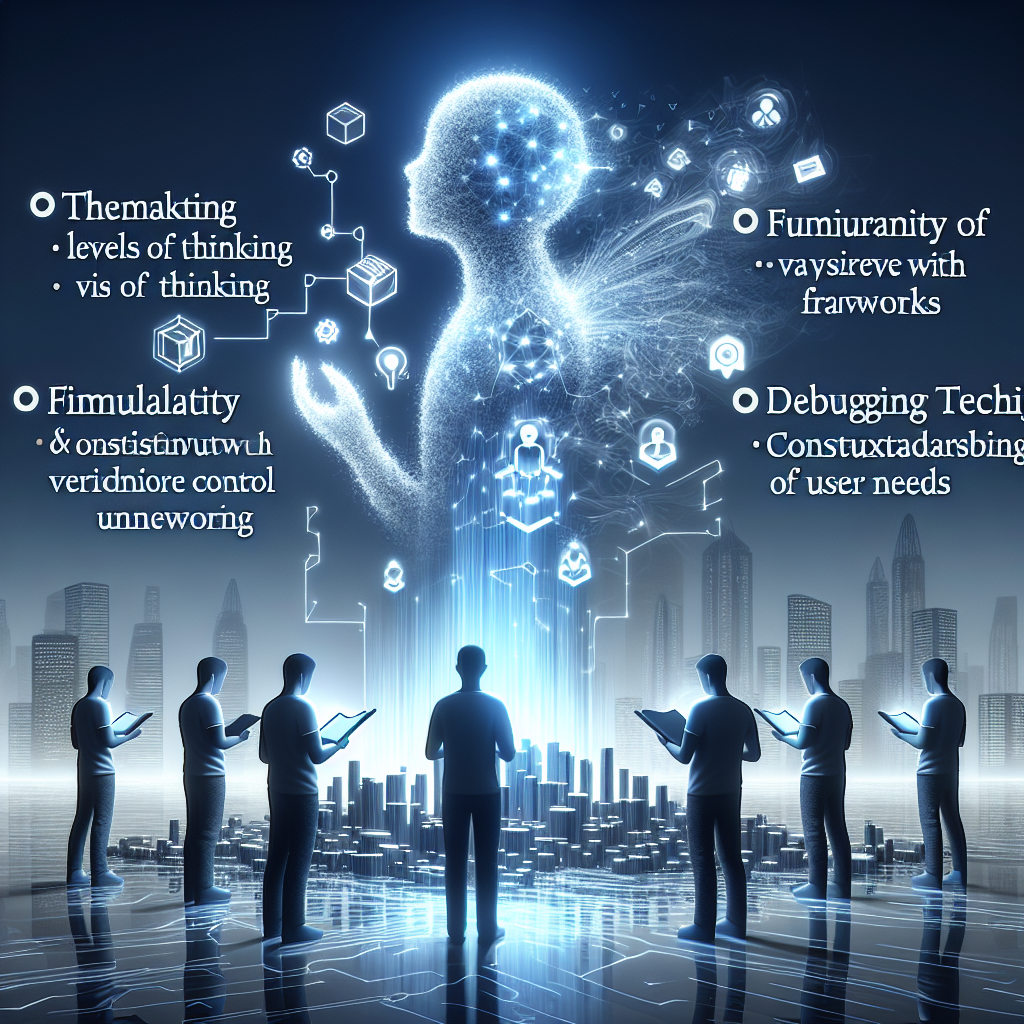
In today's rapidly evolving digital landscape, coding is being redefined, thanks to innovative approaches like Vibe Coding. Coined by Andre Kaparthy, vibe coding embraces a more intuitive interaction between users and AI, paving the way for a future where coding is accessible to everyone. Let's break down the key insights from the video "Vibe Coding Fundamentals In 33 minutes" by Tina Huang and explore how you can leverage this new paradigm in your development journey.
Key Takeaways
- Definition of Vibe Coding: Vibe coding allows users to express their goals naturally, enabling AI to generate code based on those expressions.
- Five Fundamental Skills: The course "Vibe Coding 101" outlines essential skills, including:
- **Thinking:** Develops logical, analytical, computational, and procedural thinking.
- **Frameworks:** Knowledge of existing frameworks can enhance AI-generated output.
- **Checkpoints and Version Control:** Using version control (e.g., Git) preserves work and manages changes.
- **Debugging:** An essential skill for resolving issues during development, honed over time.
- **Context:** Understand user needs and product environment for successful applications.
- Importance of a PRD: A Product Requirements Document is vital for clarifying project goals, serving as a roadmap for effective communication with AI.
- Continuous Learning: Coders must grasp basic coding structures and workflows to better guide AI in the coding process.
Insights on the Future of Coding
- Shift Toward Intuitive Coding: Vibe coding cultivates a more accessible interaction with AI, reducing barriers for beginners.
- Value of Preparation: A well-drafted PRD and structured thinking lead to improved interactions with AI.
- Emphasis on Learning: Staying updated with frameworks and tools is essential for modern developers leveraging AI technology.
Actionable Advice for Developers
- Create a PRD: Invest time in drafting a detailed PRD to clarify your project's goals and necessary features.
- Learn Version Control Basics: Familiarize yourself with Git to enable effective project management and reduce risks of data loss.
- Engage in Methodical Debugging: Adopt a structured approach to debugging, focusing on isolating issues and testing solutions.
- Use AI Constructively: Explore AI tools to gain insights and coding suggestions that can enrich your development process.
Supporting Details
- The lecture highlights practical tools like Replet for vibe coding and effective Git commands for managing projects.
- Examples of defining user needs emphasize tailoring AI assistance to meet specific goals.
Personal Reflections
These insights reflect the shifting landscape of coding, where AI becomes a critical ally in the development process. Emphasizing structured communication and thorough preparation resonates with the best practices in project management, which can streamline the development life cycle. Understanding version control is foundational for any developer, and the integration of intuitive AI interaction marks a fascinating evolution in software development.
For a deeper dive into vibe coding, check out the full video on YouTube:
Join the Learning Journey!
Stay informed and connected as we explore the forefront of technology and coding together! Follow me on: