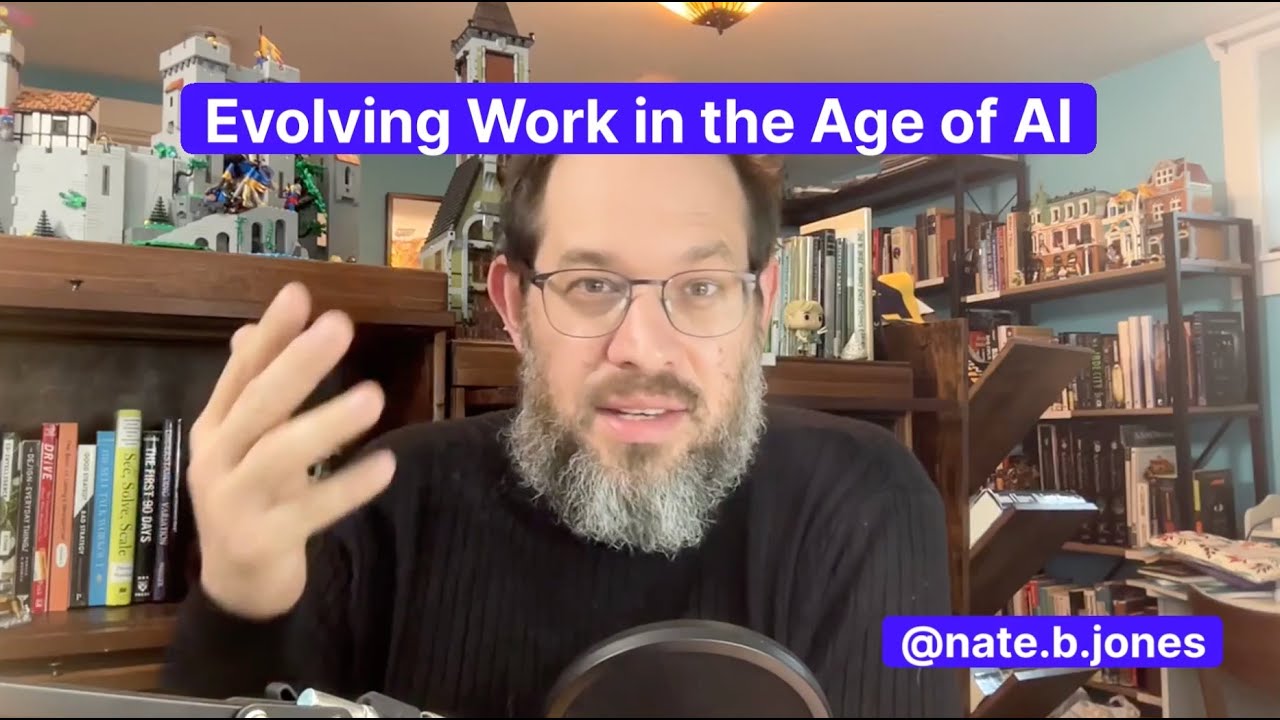
Evolving Work in the Age of AI

The use of Artificial Intelligence (AI) is reshaping the workplace and education, prompting significant discussions around the concept of pride of ownership. In the enlightening video “Evolving Work in the Age of AI” by Nate B Jones, we explore crucial insights that define how we can navigate this evolving landscape. Let's delve into the major takeaways and their implications for our professional lives.
Valuable Insights
- Pride of Ownership: Central to the discussion is understanding how AI impacts individuals' perceptions of ownership of their work and contributions.
- Three Implicit Questions: These questions determine pride of ownership:
- Authorship: Did you create this work or idea?
- Provenance: Can you trace the origins and development of your work?
- Accountability for Outcomes: Are you responsible for the results associated with your work?
- Consistency Over Time: These questions remain relevant despite technological advancements.
- AI as a Tool: AI should enhance understanding and should not be viewed merely as a shortcut.
- Transparency and Documentation: Maintaining records of AI contributions is essential for integrity.
- Emphasis on Accountability: Accountability for work outcomes persists, regardless of AI assistance.
Insights on Cultural Shifts
Adapting to AI’s role demands a cultural shift within workplaces and educational institutions. Understanding how AI fits into existing frameworks of ownership and accountability is vital. Encouraging open discussions about AI use can lead to fewer conflicts and more productive collaborations. Furthermore, individuals should use AI as a tool to deepen their knowledge, ensuring they engage substantively with their subject matter.
Actionable Advice
- Foster Open Communication: Encourage discussions about AI use within teams to clarify roles and responsibilities.
- Document Work Processes: Keep clear records on how AI was engaged in creating work.
- Invest in Knowledge: Use AI to supplement learning rather than replace it.
- Establish Accountability Frameworks: Ensure all team members understand accountability remains, regardless of AI assistance.
Supporting Details
Historical and legal contexts reveal long-standing issues of ownership and accountability, particularly as AI tools evolve. Concerns about ensuring a clear chain of provenance for AI-generated documents and outputs are increasingly pertinent.
Personal Reflections
The insights shared resonate with the belief that technology should augment human creativity and effort. Maintaining a balance between leveraging AI and upholding personal accountability is essential for fostering a responsible and innovative work culture.
Conclusion
Understanding these dynamics is crucial as we navigate the complexities introduced by AI. By maintaining pride in ownership and accountability, we can effectively integrate AI into our professional lives without losing sight of the core values that make our work meaningful.
To dive deeper into this topic, watch the full video here:
Join me on this learning journey! Follow me on social media: