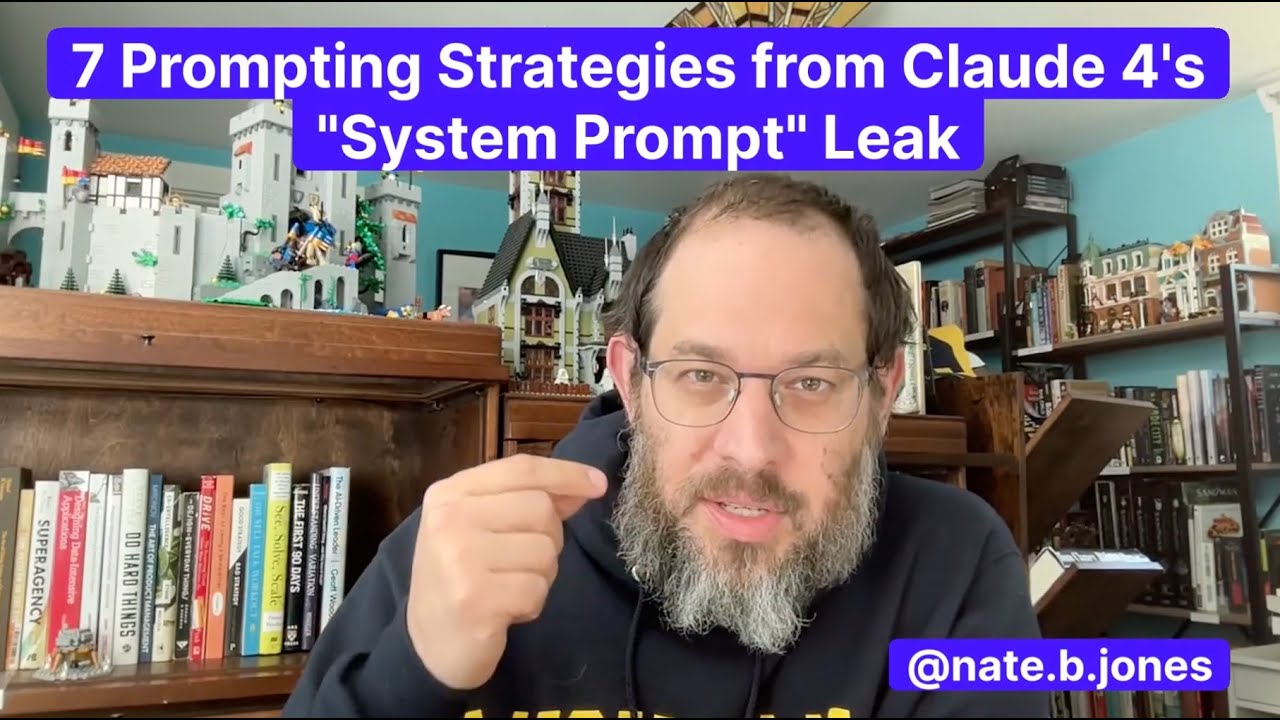
Valuable Insights from "7 Prompting Strategies from Claude 4's 'System Prompt' Leak"

Key Points:
- Context and Policy Orientation: Traditional prompts focus primarily on instructing models what to do (80% effort), while Claude 4's system prompt emphasizes what not to do (90% effort). This shift helps maintain quality in model outputs.
- Structure of the Prompt: The prompt begins by establishing certain identities and facts that remain unchanged (e.g., the model's identity, date, capabilities), which reduces working memory burden and enhances clarity.
- Handling Edge Cases: The inclusion of conditional statements ("if X then Y") for edge cases demonstrates a sophisticated understanding of ambiguity management, allowing for consistent model behavior.
- Three-Tier Decision Making: The prompt utilizes a decision tree to direct model responses based on the nature of the information (timeless, slow-changing, or live), ensuring appropriate engagement with user queries.
- Lock Tool Grammar: The use of both correct and incorrect examples for API use showcases that negative examples can effectively teach models how to use tools better.
- Binary Style Rules: Claude 4 employs hard rules over subjective guidelines. For instance, instructing the model to "never start with flattery" ensures clearer, more consistent responses.
- Reinforcement and Reflection: Critical instructions are strategically repeated throughout the prompt to combat attention degradation over lengthy contexts. Additionally, a built-in pause for reflection post-tool use can enhance model accuracy and decision-making.
Insights:
The transformation of prompts into functional operating systems is essential for leveraging AI effectively. By incorporating comprehensive guidelines and clear policies regarding failure modes, operators can significantly improve output quality.
Actionable Advice:
- Develop Clear Prompts: Focus on creating prompts that articulate not just desired actions but also clarify what actions to avoid. This proactive approach reduces failure modes and enhances output quality.
- Use Examples Effectively: Include both positive and negative examples in your prompts to provide context for expected behaviors, especially when working with APIs or complex tasks.
- Implement Decision Trees: Structure responses utilizing decision matrices that account for various states of information, which can help the model process queries more effectively.
- Reinforce Key Instructions: Reiterate essential guidelines throughout longer prompts to ensure retention and adherence to critical instructions.
Supporting Details:
- Establishing contextual facts early can prevent confusion and streamline processing. The deliberate design of prompts provides a framework for mitigating inconsistencies.
- Engaging with edge cases through explicit conditionals helps anticipate model behavior during unpredictable user interactions, fostering reliability.
Personal Reflections:
This discussion offers profound insights into prompt engineering, reflecting the importance of anticipating ambiguities in AI interactions. As someone interested in AI's practical applications, I see the potential of these strategies in various contexts and can envision applying similar techniques in my projects to enhance user experience and model reliability.
Conclusion:
Overall, the insights drawn from the Claude 4 system prompt leak highlight the critical necessity of precise prompt design in achieving desired AI outcomes.
Join us on our journey through the world of AI by following our social media accounts. Stay updated with the latest insights and be part of our growing community!
Connect with me on social media: