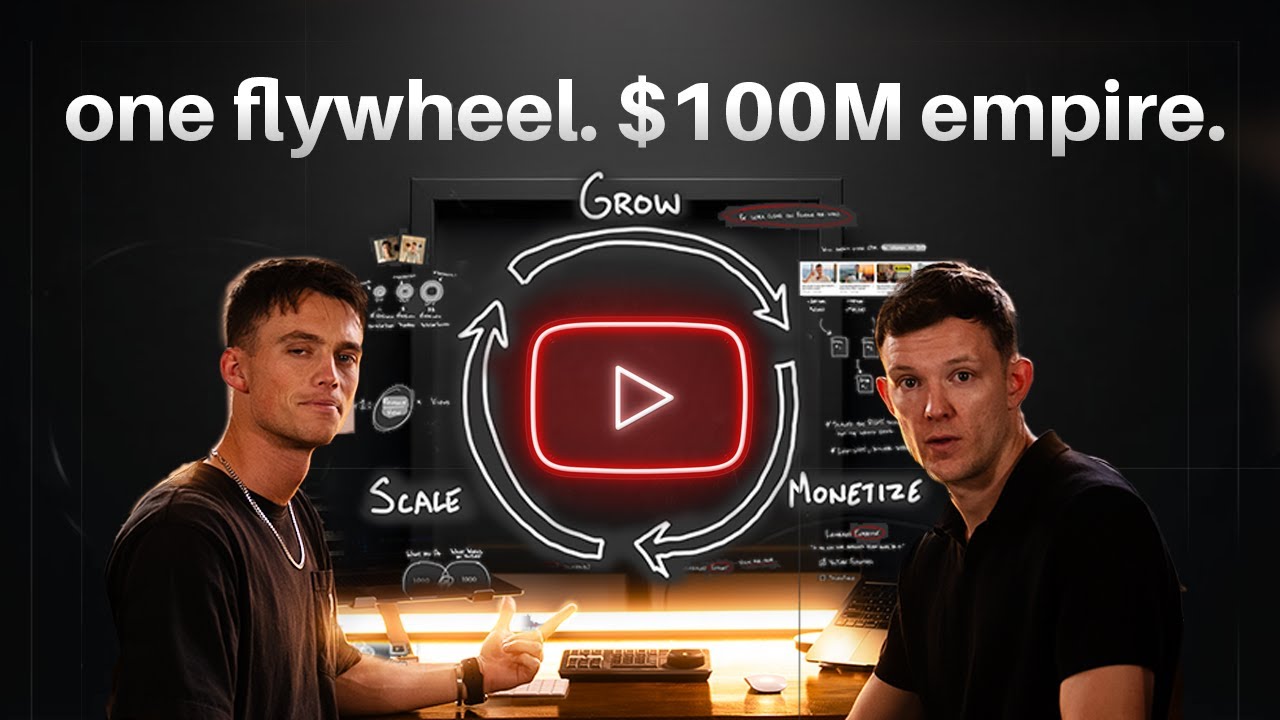
How to Build a $100M YouTube Empire: Insights from Jamie x Jon

In the captivating video "How to Build a $100M YouTube Empire (in 8 Minutes)" by Jamie x Jon, a wealth of insights is shared about creating a successful YouTube channel. By focusing on key strategies and actionable advice, viewers can transform their approach to content creation and channel growth. Below, I’ve distilled the essence of the video into valuable points that can guide your journey on YouTube.
Key Points
- YouTube Flywheel Concept: The video emphasizes the idea of the YouTube flywheel, which propels growth through a few high-performing videos rather than needing an extensive catalog. This compounding effect allows creators to build significant income and impact.
- Focus on Data-Driven Ideas: Creators should concentrate on the top 20 video ideas that have proven potential for high views, neglecting less effective content. This optimization leads to substantial growth.
- Thumbnail Importance: Thumbnails are critically important in attracting clicks. They should invoke curiosity and be packaged to compel viewers to engage instantly.
- Engaging Intros: The introduction of videos must be captivating and aligned with the thumbnail, ensuring viewers feel they’ve made a good decision in clicking. Delivering value quickly within the first moments is crucial.
- Revenue Focus: Not all views are equal; creators are encouraged to prioritize content that maximizes revenue without distracting from the core message. Building a value ladder enhances audience trust and monetization.
Insights
- Repeatability and Systemization: Successful YouTube channels operate on a repeatable system that consistently delivers high-quality content, driving subscriber growth and increasing visibility.
- Content as a Means to an End: YouTube should be seen not as an end goal but as a platform to impact and connect with audiences profoundly, enhancing both personal fulfillment and business potential.
- Belief in Potential: The speaker conveys that anyone, with belief and determination, can leverage the tools available to create significant change and achieve their goals.
Actionable Advice
- Create Compelling Thumbnails: Start by designing effective thumbnails that spark curiosity. This initial step is crucial before dedicating time to video production.
- Craft a Strong Hook: Ensure your video opening is engaging and delivers immediate value. Aim to hook viewers within the first 30 seconds to minimize drop-off rates.
- Align Content with Monetization Strategy: Develop a monetization strategy that complements your content, ensuring it enhances rather than detracts from the core message.
- Leverage Data and Audience Insights: Analyze high-performing videos in your niche and adapt concepts to reach similar success. Experimentation with different formats can lead to unexpected breakthroughs.
- Start Small, Scale Right: Focus on scaling successful aspects of your channel without prematurely expanding operations. Efficient scaling leads to better results without compromising quality.
Supporting Details
- Examples of Success: The presented case studies, like the science teacher in India and fitness entrepreneur Dan Go, illustrate how data-driven adjustments can lead to remarkable subscriber gains and revenue increases.
- Understanding Audience Needs: The need for swift delivery of valuable content is supported by examples of ineffective video structures that lose viewer engagement.
Personal Reflections
The insights resonate with the importance of understanding audiences and leveraging data in content creation. The emphasis on passion driving success serves as a reminder that personal fulfillment fuels consistent output. This discussion inspires a reevaluation of current strategies, highlighting the balance between creativity and analytical thinking in the YouTube ecosystem.
Conclusion
Overall, the video encapsulates a strategic approach to building a successful YouTube channel, focusing on engagement, systematic content creation, and the understanding of monetization dynamics. You can watch the full video to dive deeper into these insights:
Join us on our learning journey! Follow and engage with us on our social media channels to stay updated on the latest strategies and insights: