Insights from a Solo App Developer's Paid Advertising Journey

Key Points:
- Understanding the Role of a Co-Founder: The speaker recognizes the importance of having a co-founder with marketing expertise, which can amplify the impact of advertising efforts.
- Shift to Paid Advertising: Transitioning from organic marketing to paid advertising on platforms like Meta signifies a strategic move towards scaling user acquisition.
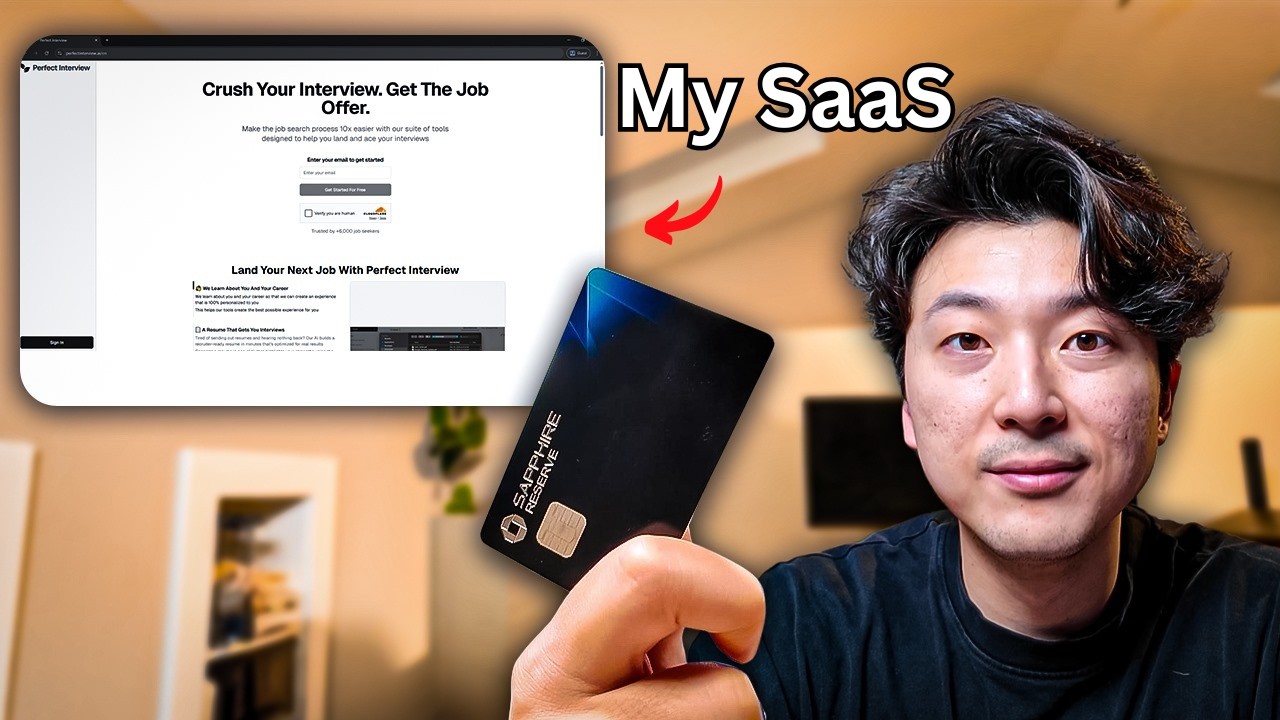
- App Overview: The app, perfectin.ai, offers tools for job seekers using AI technology, setting a clear target market for advertising endeavors.
- Initial Success with Organic Marketing: Before paid ads, revenue was generated through organic marketing, highlighting the potential for growth without initial ad spend.
- Paid Ads Are Not a Guaranteed Solution: The speaker cautiously emphasizes that paid ads do not automatically lead to increased revenue, which is a common misconception.
Insights:
- Collaboration is Key: Having a co-founder proficient in marketing can significantly enhance advertising strategies.
- Reality of Advertising: Paid advertising requires strategic planning and understanding of ad platforms to yield results.
- Importance of Market Understanding: A deep understanding of the target audience and the product's value proposition is critical for effective advertising.
Actionable Advice:
- Test Before Committing: Begin with a small budget to experiment with ad strategies before scaling.
- Utilize Analytics: Regularly review ad performance metrics to refine targeting and messaging.
- Leverage Organic Success: Use insights from organic marketing to inform and enhance paid ad strategies.
Supporting Details:
- Real-World Coding Examples: The app addresses real-world challenges faced by job seekers, presenting clear pain points for targeted marketing.
- Candidness About Learning Curve: Acknowledging the complexities involved in paid advertising can provide new developers with realistic expectations.
Personal Reflections:
The speaker’s insights highlight the challenges developers face when entering the world of digital marketing, particularly concerning paid ads. It illustrates that strategy and preparation are crucial to maximizing advertising investments, resonating strongly with entrepreneurs who may misunderstand the marketing landscape. Additionally, the importance of community support, such as having a knowledgeable co-founder, emerges as vital in overcoming the hurdles of app development and marketing. Ultimately, a balanced approach that includes both organic and paid methods can pave the way for success in a competitive market.
Watch the Full Discussion
For more in-depth insights, check out the video:
Join our Learning Journey!
Stay updated and follow us on social media for more insights: