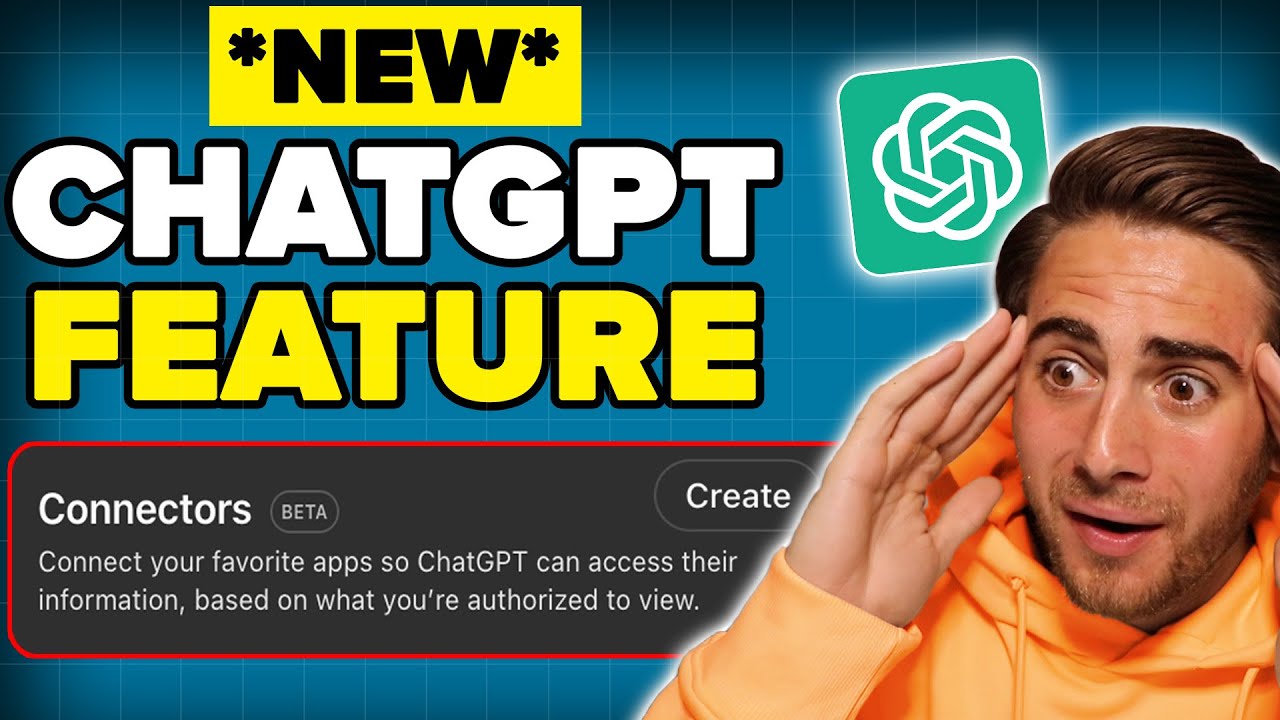
Unlocking the Potential of ChatGPT's New Connectors Feature
The video titled "ChatGPT Launched A NEW Feature That’s CRAZY! 🤯 (New MCP Tool)" from Rob The AI Guy delves into the capabilities of ChatGPT’s newly introduced connectors feature, enabling users to integrate ChatGPT with various external tools and data sources using the MCP (Multi-Channel Protocol).
Key Points and Features
- New Connectors Feature: The primary focus is on the new connectors feature allowing seamless integration of ChatGPT with applications like Gmail and Google Calendar. This is a significant advancement in user experience and AI functionality. The video emphasizes the simplicity and effectiveness of integrating AI into daily tasks through this new tool.
- MCP Server Setup: Instructions for setting up the MCP server are provided, which is crucial for users wanting to utilize the new connectors effectively. This aspect highlights the importance of user-friendly setup processes for technological adoption.
- Comparison with Competitors: A notable segment of the video is dedicated to comparing ChatGPT’s capabilities against its competitor, Claude, particularly focusing on their latest updates. This comparison is essential for potential users to understand the unique selling points of ChatGPT’s new feature.
Recurring Themes
- User Empowerment: The integration of ChatGPT with everyday tools speaks to a broader theme of empowering users to enhance productivity and streamline workflows.
- Innovation in AI Tools: The introduction of the MCP tool reflects ongoing innovation in AI, showcasing how these technologies are evolving to meet user needs.
Actionable Advice
- Utilization of Connectors: Users are encouraged to explore the new connectors feature to maximize their productivity, effectively utilizing AI in routine tasks.
- Setting Up the MCP: Following the video’s guidance on setting up the MCP server is essential for a functional integration, allowing users to directly benefit from the new features presented.
Personal Reflection
The content resonates with the growing trend of integrating AI seamlessly into daily workflows. This approach not only enhances productivity but also reflects the future direction of AI as a collaborative partner in various tasks. Emphasizing user-friendliness in the setup of such tools is critical, as it can significantly impact the rate of adoption and usage among everyday users who may not be tech-savvy.
Conclusion
In conclusion, the video provides valuable insights into ChatGPT’s latest features, promoting awareness of how AI can be integrated into daily tasks for improved efficiency. The structured guidance and comparative analysis with competitors are particularly beneficial for viewers looking to leverage AI tools effectively.
Check out the full video here:
Follow me to join the learning journey: