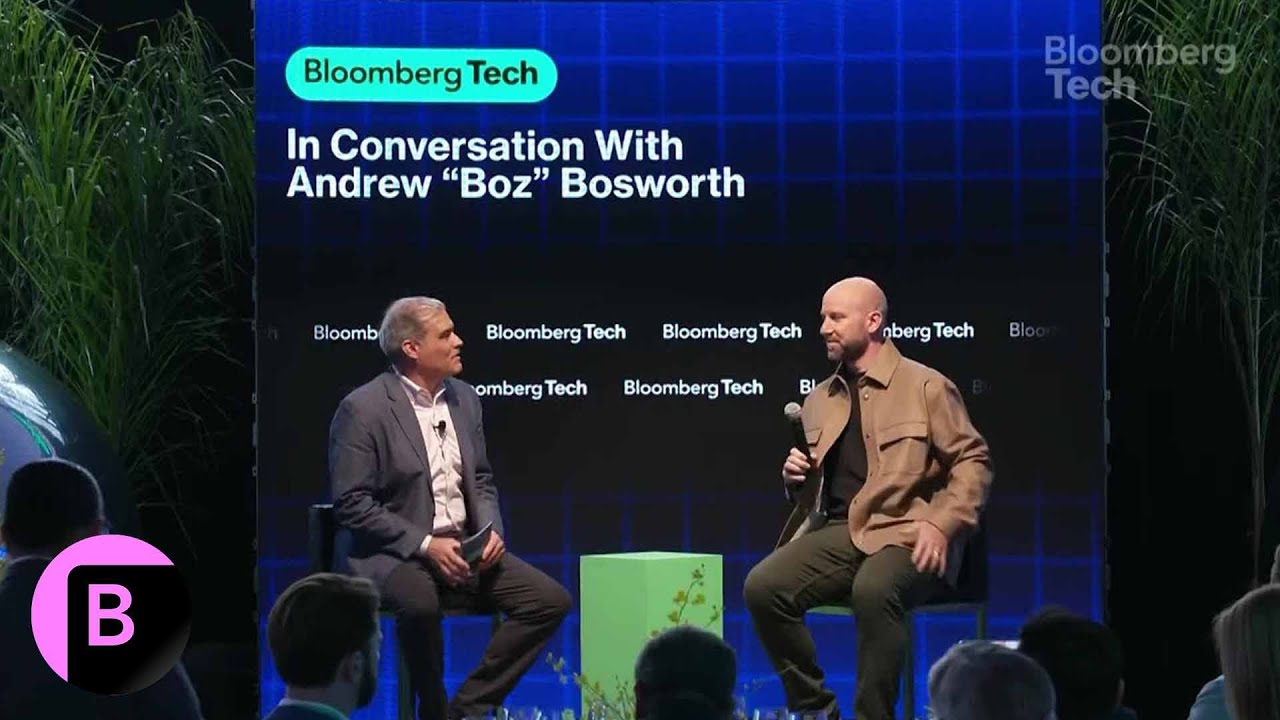
Valuable Insights from Andrew Bosworth's Talk
1. Evolving Role of CTO: Bosworth emphasizes the dynamic responsibilities of a Chief Technology Officer, illustrating how each CTO at Meta has tailored their role according to evolving technological landscapes. His focus lies in advanced technologies like augmented reality and robotics, highlighting the need for strategic organizational management.
2. Embracing New Challenges: He shares how Mark Zuckerberg's motivational approach influenced him to take on new responsibilities at Meta, particularly in Reality Labs. This reflects an organizational culture that encourages innovation and adaptability in the face of changing technological environments.
3. Vision for Reality Labs: Bosworth mentions a memo predicting 2025 as the "Year of Greatness" for Reality Labs, underlining the significance of pivotal years in technology. He believes that breakthroughs during these times can yield substantial impacts, shaping the future in profound ways.
4. Military Technology Collaborations: Meta's collaboration with Anduril to develop tech for military applications signifies a return to historical partnerships in Silicon Valley, merging academia and private industry with defense initiatives. This indicates a broader application of innovative technologies beyond consumer use.
5. Transition to a Hardware Company: He articulates Meta's transformation into a hardware-centric organization, moving beyond its roots in social media. Investments in AI and wearable technology, like Ray-Ban Meta Glasses, illustrate this evolving vision and Meta's ambition to dominate hardware development.
6. Competitive Dynamics with Apple: Bosworth acknowledges the technological advancements of Apple's Vision Pro headset but points out design missteps. He advocates focusing on unmet customer needs to foster unique product offerings rather than purely competing head-to-head.
7. Future of Mixed Reality Devices: He speculates that AR glasses may eventually replace smartphones, envisioning a future where mixed reality devices complement existing technologies. This perspective promotes the idea of innovation fostering platform interoperability.
8. Cultural and Operational Changes: Bosworth discusses a cultural shift within Meta towards problem-solving and cross-platform ownership among engineers, reflecting an operational philosophy that values flexibility and collaboration. He also supports high-skilled immigration to sustain competitive innovation.
9. Content Moderation Challenges: Addressing content moderation issues, he stresses the importance of balancing user experience with community standards. A capitalistic incentive exists for Meta to prioritize positive user engagement, illustrating the complex nature of content governance.
10. Commitment to Strategic Goals: In closing, Bosworth reaffirms his dedication to implementing Meta's strategic goals, adapting to technological evolution, and ensuring an inclusive digital environment that resonates with users and facilitates responsible engagement.
Watch the Full Talk
For a more in-depth understanding of Andrew Bosworth's insights, watch the full talk on YouTube:
Conclusion
This condensed summary encapsulates the key insights and themes from Bosworth's talk, highlighting the future directions for Meta and the broader implications of technology in society.
Join us on our learning journey and stay connected through our social media channels: