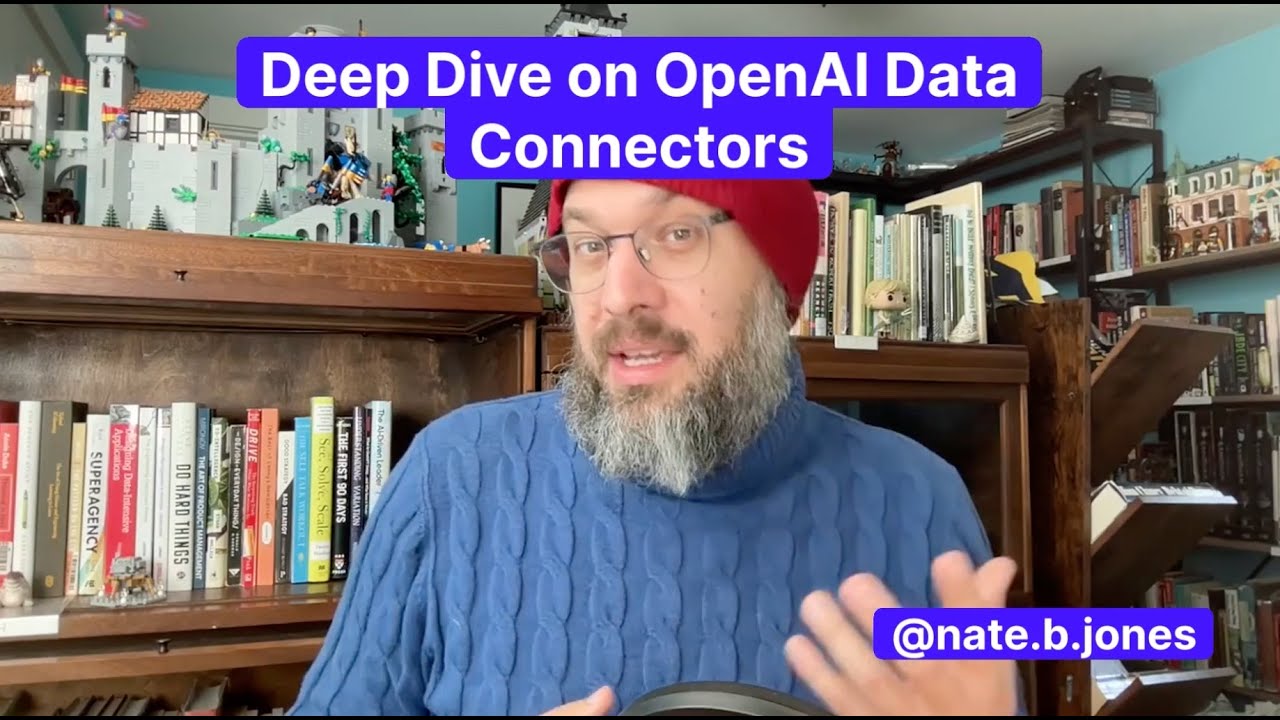
Valuable Insights from "Deep Dive on OpenAI Data Connectors"

Key Points
- Introduction of Data Connectors:
- OpenAI released data connectors to enhance user interaction with various platforms like Gmail, Outlook, GitHub, and Google Calendar.
- These connectors aim to improve personal data search capabilities for users under Plus and Pro accounts.
- Limitations of Data Connectors:
- Current functionality is limited; it’s not designed for in-depth searches or extensive data analysis.
- For example, it struggles to perform comprehensive tasks like analyzing email volumes or calendar events beyond a threshold of 15 items.
- Specific Use Cases:
- The tool shows better performance when tasked with focused queries—like event planning—where it can integrate information from multiple sources effectively.
- It excels at providing comprehensive briefings on well-defined topics by aggregating relevant data.
- Competition in AI Models:
- OpenAI’s expansion into data connectors reflects a competitive response to other AI models like Claude from Anthropic.
- The larger goal appears to be becoming the default operational system for enterprises.
- Quality of Data and Queries:
- The quality of results heavily relies on how specific the user’s prompts are; vague or generalized queries tend to yield poor results.
- The challenge lies in structuring queries effectively to extract meaningful data.
Insights
- The move towards building data connectors represents a strategic play to access valuable training data, crucial for improving AI language models.
- OpenAI's ambition to serve as a comprehensive enterprise OS suggests a long-term vision that aligns with industry needs for integrated AI solutions.
- The current limitations underscore the necessity for continuous improvement and user adaptation to maximize the utility of AI tools.
Actionable Advice
- Narrow Your Queries: When using data connectors, focus on specific requests rather than broad inquiries to achieve better accuracy and relevance in the output.
- Structuring Data: Invest time in organizing and cleaning your data repositories (e.g., Notion, Google Docs) to facilitate smoother AI interactions. Be mindful of the data's integrity and structure, as messy data leads to inefficient AI responses.
- Continuous Learning: Users should develop their prompting skills to ensure clarity and specificity, enhancing the quality of AI output.
Supporting Details
- The speaker noted discrepancies in the AI's ability to fetch accurate counts from emails and calendar entries, highlighting real-world usability issues.
- Previous experiences with OpenAI tools indicated an improvement over time—for instance, the Operator tool saw enhancements after user feedback and iterative development.
Personal Reflections
The insights from the data connectors are aligned with my own experiences where specificity in queries has proven essential in various AI tools. There is a clear opportunity for users to grow in their understanding of working with AI, emphasizing the importance of precise communication. The emphasis on structured data and clear prompting is a vital takeaway that resonates in many tech-driven environments today.
Conclusion
These insights capture the essence of the discussion on OpenAI Data Connectors, emphasizing the ongoing development of AI tools and their interaction with user data while addressing the need for clarity in queries for optimal results.
For an in-depth understanding, check out the full video here:
Join me on this exciting learning journey! Follow me on social media to stay connected and receive more valuable insights: