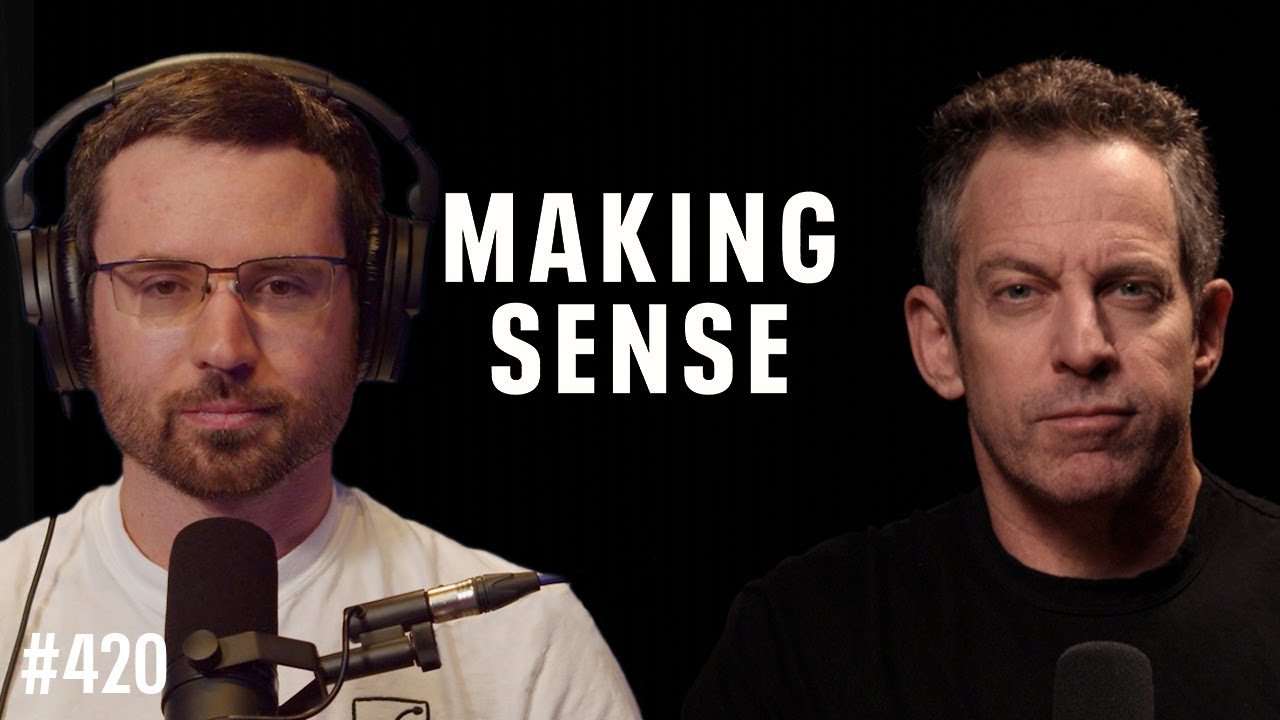
Countdown to Superintelligence: Valuable Insights from Sam Harris and Daniel Kokotajlo

In the thought-provoking video "Countdown to Superintelligence," Sam Harris and Daniel Kokotajlo dive deep into the implications of advancing AI technologies. Below are some of the key takeaways from their insightful discussion.
Key Points:
- Introduction of AI Takeoff: Kokotajlo discusses the anticipated AI takeoff around 2027, when AI research may accelerate, leading to superintelligent systems. This brings urgent concerns about aligning AI goals with human values.
- The Alignment Problem: Ensuring AI systems act in humanity's best interest presents a significant challenge. Experts are divided on current methodologies to address this critical problem.
- Economic and Political Implications: The conversation addresses the geopolitical dynamics of AI advancements, including an arms race between nations, particularly the U.S. and China.
- Ethical Dilemmas: Major ethical concerns arise regarding transparency and the decision-making capabilities of AI systems, which could lead to societal upheavals if unaddressed.
Insights:
- Uncertainty and Preparedness: Societies are currently ill-prepared for the rapid transformation superintelligent AI may bring, posing risks to safety and societal structures.
- Call for Global Coordination: There is an urgent need for coordinated global governance in AI development to establish norms and safety measures.
Actionable Advice:
- Enhancing Research on AI Alignment: Support research initiatives aimed at addressing the alignment problem.
- Establishing Regulatory Frameworks: Advocate for international agreements regulating AI deployment and mitigating associated risks.
- Fostering Public Awareness: Promote education about AI capabilities, risks, and ethical considerations.
Supporting Details:
- Kokotajlo's background at OpenAI adds credibility to his insights on AI trends.
- Diverse expert opinions on the alignment problem enrich the conversation surrounding AI's future impacts.
Personal Reflections:
This conversation mirrors existing concerns about technology outpacing governance and the unpredictability of AI. Dialogue among technologists, ethicists, and policymakers is crucial for ensuring AI's potential is harnessed positively.
In summary, Harris and Kokotajlo's discussion presents a critical analysis of the challenges posed by superintelligent AI, highlighting the importance of alignment, ethical considerations, and global collaboration.
Watch the Full Discussion:
Join Our Learning Journey!
If you found this article insightful, follow me across my social media platforms for more content: