Mastering Communication: Key Strategies for Responding Under Pressure
Have you ever felt the pressure of being put on the spot during a conversation or meeting? In this insightful video, Matt Huang breaks down the essential strategies to communicate effectively, even when faced with unexpected questions. Here's a comprehensive overview of his key points, insights, and actionable advice.
Valuable Insights from the Transcription
Key Points:
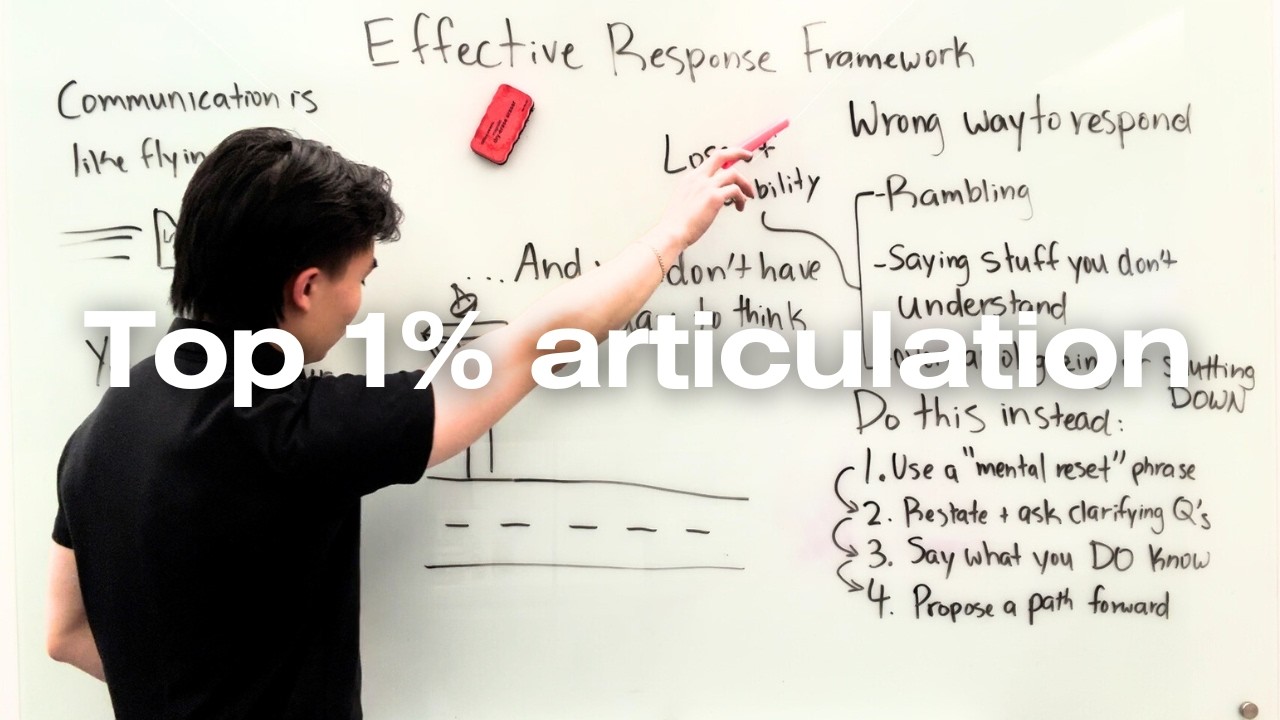
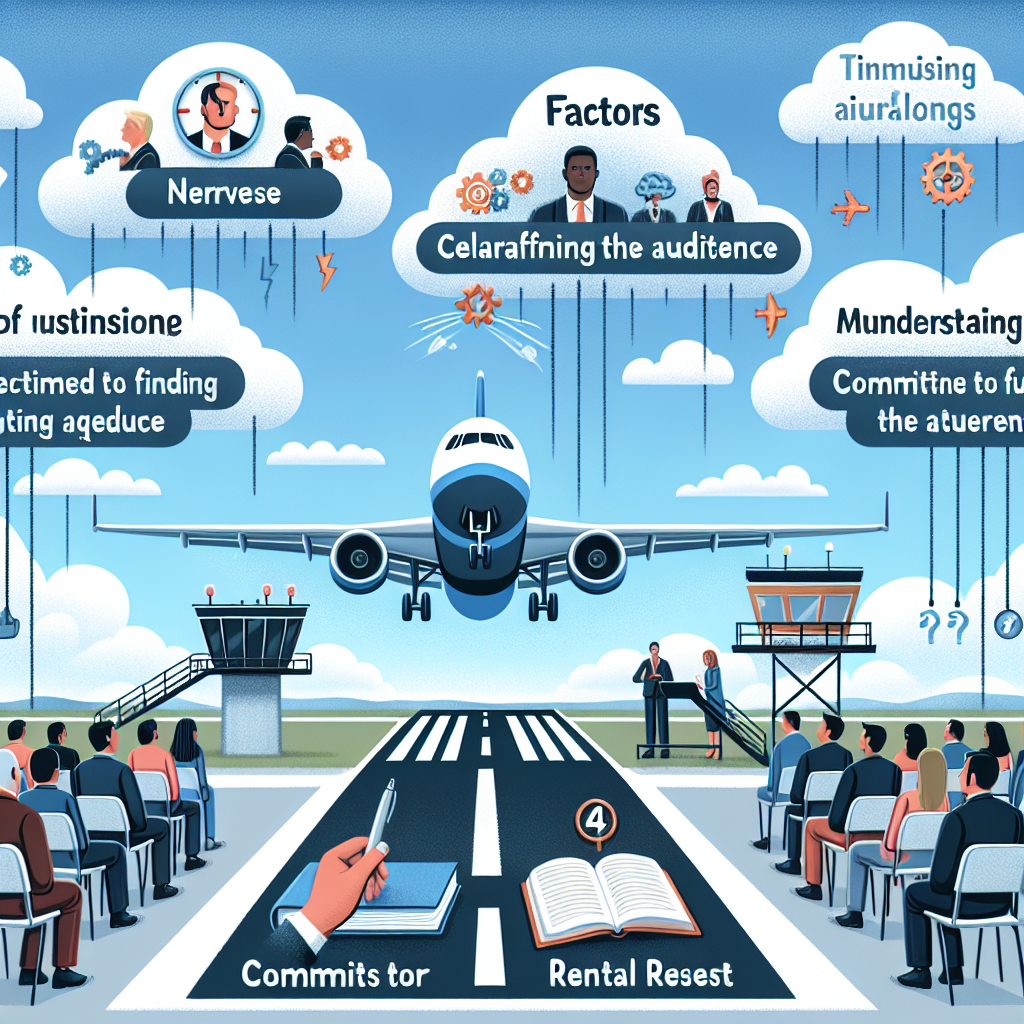
- Effective Communication Analogy: Huang compares effective communication to landing a plane, where clarity and understanding are paramount for a smooth exchange of ideas. He notes that common barriers—like nerves or misjudging the audience's context—can complicate this process.
- Challenges in Responding: When caught off guard, individuals often face difficulties articulating their thoughts, leading to two common pitfalls:
- Rambling: Filling silence with unnecessary words out of nervousness, which dilutes the message.
- Overcompensation: Fabricating answers to sound knowledgeable, risking credibility.
- Importance of Handling Silence: Being comfortable with pauses lets individuals gather their thoughts and respond more effectively without the pressure to fill the silence.
Insights:
- Mental Reset Phrases: Using simple phrases like “That’s a great question” provides time for clearer thought.
- Clarifying Questions: Restating questions and seeking clarification not only provides context but also showcases engagement with the topic.
Actionable Advice:
- Four-Step Response Framework:
- Mental Reset: Use a reset phrase to pause and gather your thoughts.
- Restate and Clarify: Repeat the question and ask for more details if necessary.
- Share What You Know: Offer related knowledge, which helps maintain credibility even when you don’t have the specific answer.
- Propose a Path Forward: Commit to finding the correct information later, illustrating ownership and initiative.
- Building Confidence: Practicing these strategies can help develop a more confident communication style and reinforce a positive impression in professional settings.
Supporting Details:
- The speaker draws from extensive experience in investment banking, management consulting, and tech to formulate these insights.
- Real-life scenarios, such as interviews, underscore the significance of appearing knowledgeable and composed.
Personal Reflections:
The analogy of landing a plane resonates deeply, illustrating the pressures inherent in effective communication during high-stakes situations. The focus on mental resets and clarification aligns perfectly with experiences in fast-paced environments where clear communication is crucial for teamwork and problem-solving. By embracing this framework, individuals can enhance their communication skills, exhibit confidence under pressure, and improve their professional interactions.
Conclusion
With these strategies in hand, you too can master the art of effective communication under pressure. Don't let nerves get the best of you—use these insights to become a confident and clear communicator in any situation.
To dive deeper into Matt Huang's communication strategies, check out the full video here:
Join me on this exciting learning journey and stay connected across various platforms!